@your.nameLog In
01
Log in with TikTok
Sign in on TikTok’s own page. We only read your public LIVE.
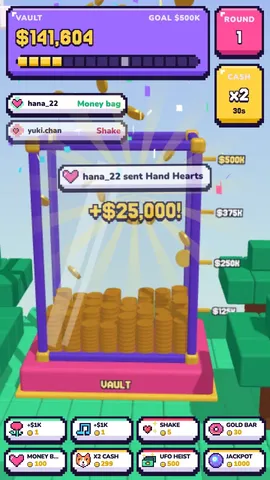
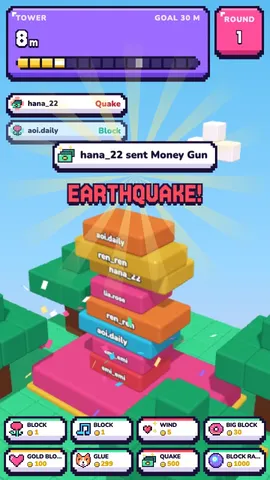
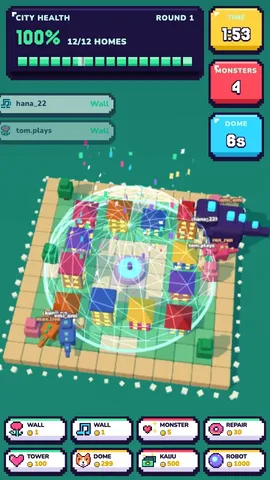
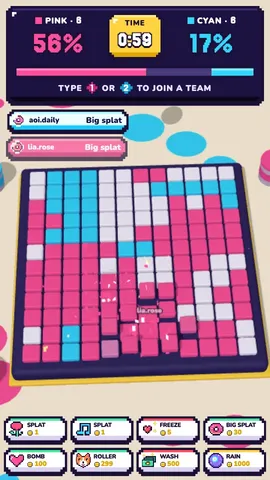
Shadow Play is a set of 20 free browser games for TikTok LIVE, made by Shadowban Checker. Viewers send gifts, the game reacts instantly, and every gifter’s name ends up inside it.
Tap a game to see how it plays.
 Live
 Live
 Live
 Live
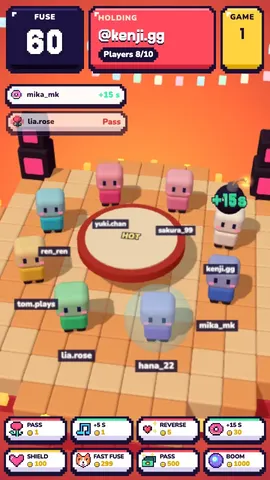 Live
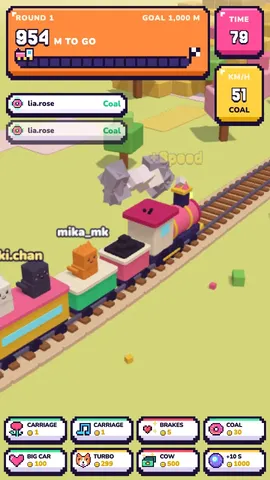 Live
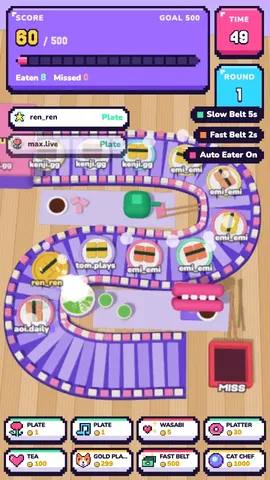 Live
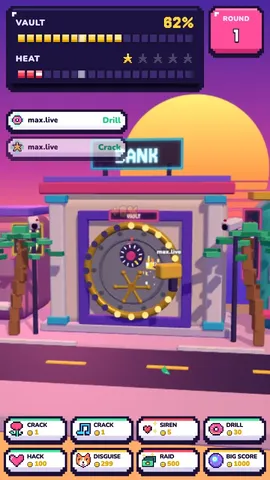 Live
 Live
 Live
 Live
 Live
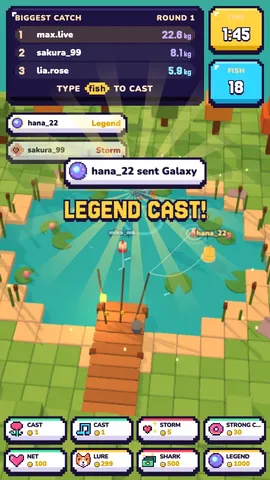 Live
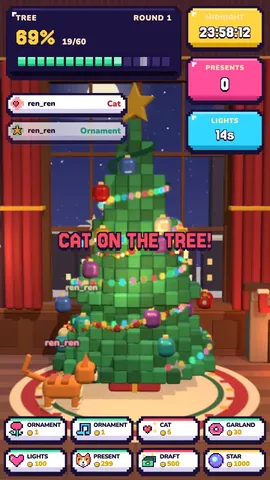 Live
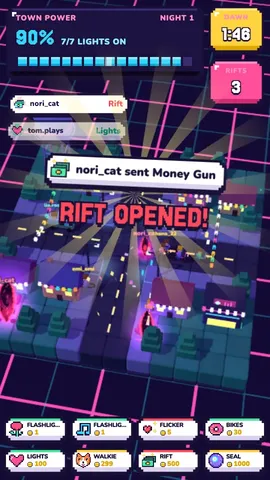 Live
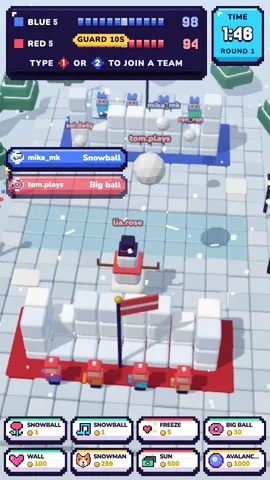 Live
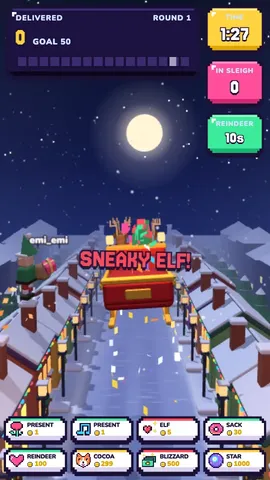 Live
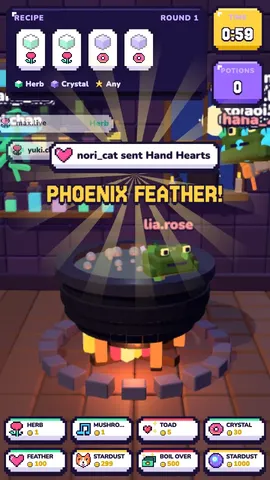 Live
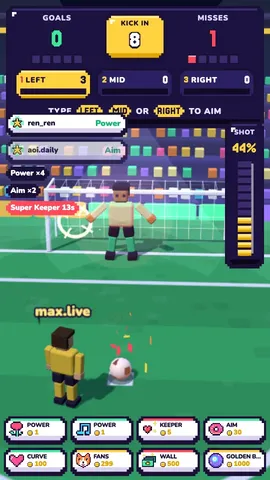 Live
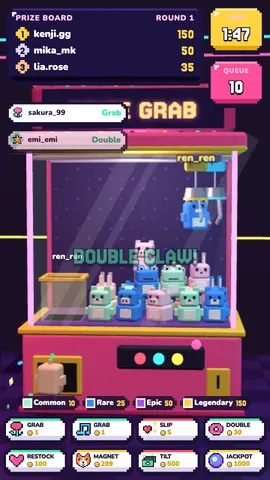 Live
No downloads and no plugins. You log in on TikTok’s own page, so we never see your password.
Sign in on TikTok’s own page. We only read your public LIVE.
Defaults work right away. Change any gift, like or comment with Play and it updates live.
Paste it as a Link source in LIVE Studio, or open it on your phone and go LIVE with Mobile Gaming.
You don’t touch a thing. Gifts, likes, comments and follows move the game while you react on camera.
Open the link in your phone browser and go LIVE with Mobile Gaming.
Every gift puts the sender on screen. People send gifts to be seen, so we show them.
Each gift shows its icon, price and what it does, so new viewers join in fast.
Pick a comment word, a like goal and what each gift does in Studio.
All 20 games are free to play. Get Play when you want your own gift rules and your name on screen instead of our badge.
Shadow Play is a set of free browser games for TikTok LIVE, made by Shadowban Checker. You add a game link to your LIVE, and your viewers’ gifts, likes, comments and follows control what happens on screen.
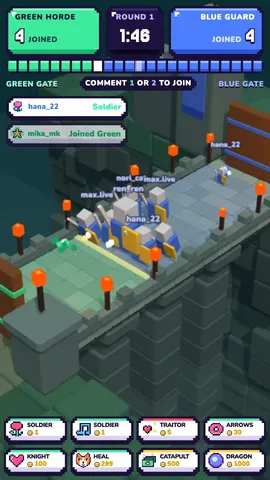
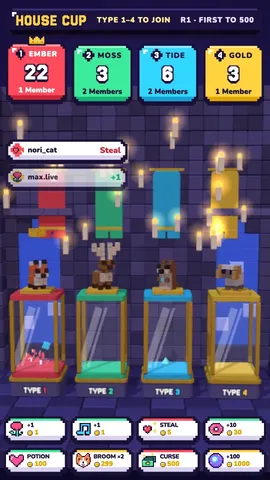
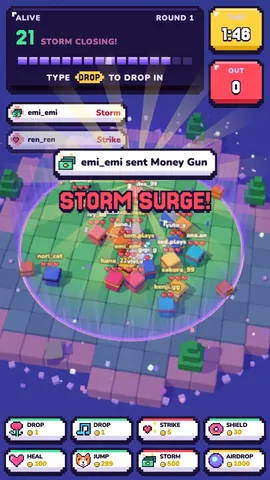
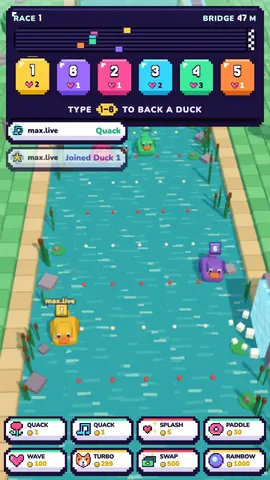
There are 20: Vault Rush, Sky Stack, Kaiju Panic, Paint War, Hot Bomb, Neko Express, Sushi Rush, Neon Heist, Two Armies, House Cup, Storm Island, Duck Derby, Lucky Pond, Rift Town, Snow Fight, Sleigh Night, Witch Brew, Penalty Kick, Claw Machine and Midnight Tree. Some are team goals, some are team battles where viewers type a number to pick a side, Storm Island is a last-one-standing battle, and in Sushi Rush the streamer plays too.
It depends on your chat. For a quiet LIVE with a few gifters, pick a hands-free goal game like Vault Rush, Sky Stack, Neko Express, Sleigh Night, Midnight Tree or Lucky Pond: every gift counts and nobody has to type. For a busy chat, pick a game where viewers type a number to join a side: Paint War, Two Armies, House Cup, Snow Fight or Duck Derby. Storm Island and Hot Bomb are party games for chats that like to compete, in Penalty Kick the chat aims the shot, and in Sushi Rush you play too.
Yes. Midnight Tree is a New Year’s Eve game: every gift hangs an ornament with the sender’s name on a giant tree, and the chat tries to fill it before the clock hits midnight. Sleigh Night is a winter delivery game where gifts load presents and speed up the reindeer, and Snow Fight is a two-team snowball battle. All three are free.
No. Open your game link on your phone, then go LIVE in TikTok with Mobile Gaming. TikTok decides who can go LIVE: you must be 18+, and in many regions there is also a follower minimum (often reported as about 1,000).
Never. You log in on TikTok’s own page, so your password stays with TikTok. Shadow Play can’t post, comment or go LIVE for you.
Open Studio, pick a game and log in on TikTok’s own page. Copy your game link and add it as a Link source in TikTok LIVE Studio. On a phone, open the link in your browser and go LIVE with Mobile Gaming.
Yes. Studio has a simulator: send fake gifts, likes and comments and watch the game react.
No. Shadow Play is independent and not affiliated with TikTok. If TikTok changes how LIVE works, games can pause until we update.
Shadow Play can’t post, comment or go LIVE for you. It shows a game page that reacts to gifts on your LIVE. What you show on stream still has to follow TikTok’s LIVE rules, like anything else on screen. Game money is pretend; only TikTok gifts are real.
The game keeps running and reconnects by itself. Gifts sent while it reconnects may be missed.
While you’re not LIVE yet, the game checks for your LIVE every 30 seconds. After 10 minutes of waiting it checks every 90 seconds, so it can take up to about 1.5 minutes to connect once you go LIVE. To connect right away, reload the game: on a phone, refresh the page; in TikTok LIVE Studio, remove the Link source and add it again.
All 20 games are free to play with ready-made gift rules. Play costs $2.99 a month or $24.99 a year and adds your own gift rules and your name on screen instead of our badge. Viewers only send normal gifts inside TikTok; nothing goes through us.
Set it up in a minute, test it with fake gifts, then go live. Your viewers do the rest.
Phone or LIVE Studio · No download · No password