How to Check Your TikTok Account Status (Community Guideline Violations)
Your TikTok Account status is the most authoritative check you can run on yourself: it holds your record of Community Guidelines violations and restrictions, straight from TikTok. Here is where to find it, what it shows — and the one thing it does not tell you.
How do you check your TikTok account status?
TikTok gives every creator a first-party record called Account status. It is the most authoritative check you can run on your own account, because the information comes directly from TikTok’s moderation systems rather than a guess. Open the app, tap your Profile, open the ☰ menu (top right), then go to Settings and privacy → Account → Account status. Menu labels shift between app versions, so if a label differs, look for the closest equivalent.
TikTok introduced the page as a place “where creators can easily view the standing of their account.” If your status is clean, that rules out account-level enforcement as the cause of a problem. It does not, on its own, confirm that each of your videos is being recommended in the For You feed — that is a separate signal we cover below.
Where does TikTok show moderation decisions?
TikTok’s Creator Academy lists three places to look, and it’s worth checking all three:
Whenever we take action on your content — removing it, making it ineligible for the For You feed, or restricting it in another way — we'll tell you what happened and why.TikTok Creator Academy — Moderation and Appeals
| Where | What you’ll find there (per Creator Academy) |
|---|---|
| Inbox | Consequences appear in Account Updates, and your full record is in Account Status. |
| Profile | Videos that were taken down carry a “Community Guidelines violation” tag. |
| Analytics | If a video isn’t eligible for the For You feed, a warning bar appears at the top of the Performance tab. |
Some app versions also show an account-review entry inside TikTok Studio. We couldn’t confirm its current name or contents on a public TikTok help page, so treat it as a complement if you see it — the three places above are the ones TikTok documents.
How do you read your status?
You are essentially looking for one of two states.
No active violations
If TikTok shows no warnings or violations, your account is not currently under account-level enforcement. That is the healthy state — nothing on your record is limiting your account as a whole.
Restrictions or strikes
If there is enforcement, you will typically see the specific content that was actioned and the reason. TikTok’s guidelines say action “can mean a warning, temporary feature or account restriction, or a full account ban, depending on what happened.” Strikes sit underneath that:
| Signal | What it means |
|---|---|
| Warning | One of the possible actions TikTok lists for breaking the Community Guidelines. |
| Strike | Recorded when content is removed for violating the Community Guidelines. Creator Academy says strikes “expire from your account record after 90 days.” |
| Feature restriction | A specific capability (for example commenting or LIVE) is temporarily limited. |
| Permanent ban | Reaching the strike threshold within a feature or policy — or a single severe violation — can result in a permanent ban. TikTok says it notifies you if you’re on the verge of one. |
Under the new system, if someone posts content that violates one of our Community Guidelines, the account will accrue a strike as the content is removed.TikTok Newsroom — Supporting creators with an updated account enforcement system
What does account status NOT tell you?
This is the crucial nuance. “Shadowban” is not a TikTok term, and there is no dashboard that confirms one. What creators call a shadowban usually maps to a video being made ineligible for recommendation in the For You feed — and that operates mainly at the individual content level, separately from account-level enforcement.
In other words:
- A clean account status does not prove every video is reaching the For You feed. A specific clip can be held back from recommendation even when your account shows no violations.
- For a single video, the signal TikTok documents is the warning bar on that video’s Performance tab in analytics, plus the notification TikTok says it sends when it acts on content.
- Account status is about account-level enforcement; reach problems are often about per-video recommendation eligibility plus ordinary factors like how viewers respond to the video.
So check Account status first to rule out enforcement — then read your video analytics (traffic sources, For You share, the eligibility warning) to judge whether individual videos are being distributed. If your account is clean but reach is still low, that gap is exactly what a reach check is for.
How do you appeal a violation?
If you believe a violation, removal or For You feed restriction is a mistake, TikTok provides a built-in appeal. Creator Academy describes the flow:
| Step | Action |
|---|---|
| 1 | Open the moderation result notification for the affected content (from your inbox or Account status). |
| 2 | Tap Appeal in the upper-right corner of that notification page. |
| 3 | Submit your request — a member of TikTok’s safety team reviews the content again against the Community Guidelines. |
| 4 | Track the outcome in the in-app Safety Center; TikTok notifies you of the result. |
If your account was banned, or your content was removed, made ineligible for the FYF, or otherwise restricted, and you believe this was an error, you may appeal the decision.TikTok Community Guidelines — Enforcement
And if it works: “If your appeal is successful, we'll restore your content and remove the penalty from your account,” according to Creator Academy. The TikTok pages we reviewed don’t state a general appeal deadline, so appeal as soon as you notice a decision you disagree with.
When should you run a reach check instead?
Use this simple order:
- Check Account status — the authoritative first-party check for account-level enforcement (steps above).
- If it is clean but views suddenly dropped, the issue is more likely per-video recommendation eligibility or normal distribution — not an account penalty. Check each video’s analytics for the eligibility warning.
- Estimate the pattern with your own analytics or an independent reach check.
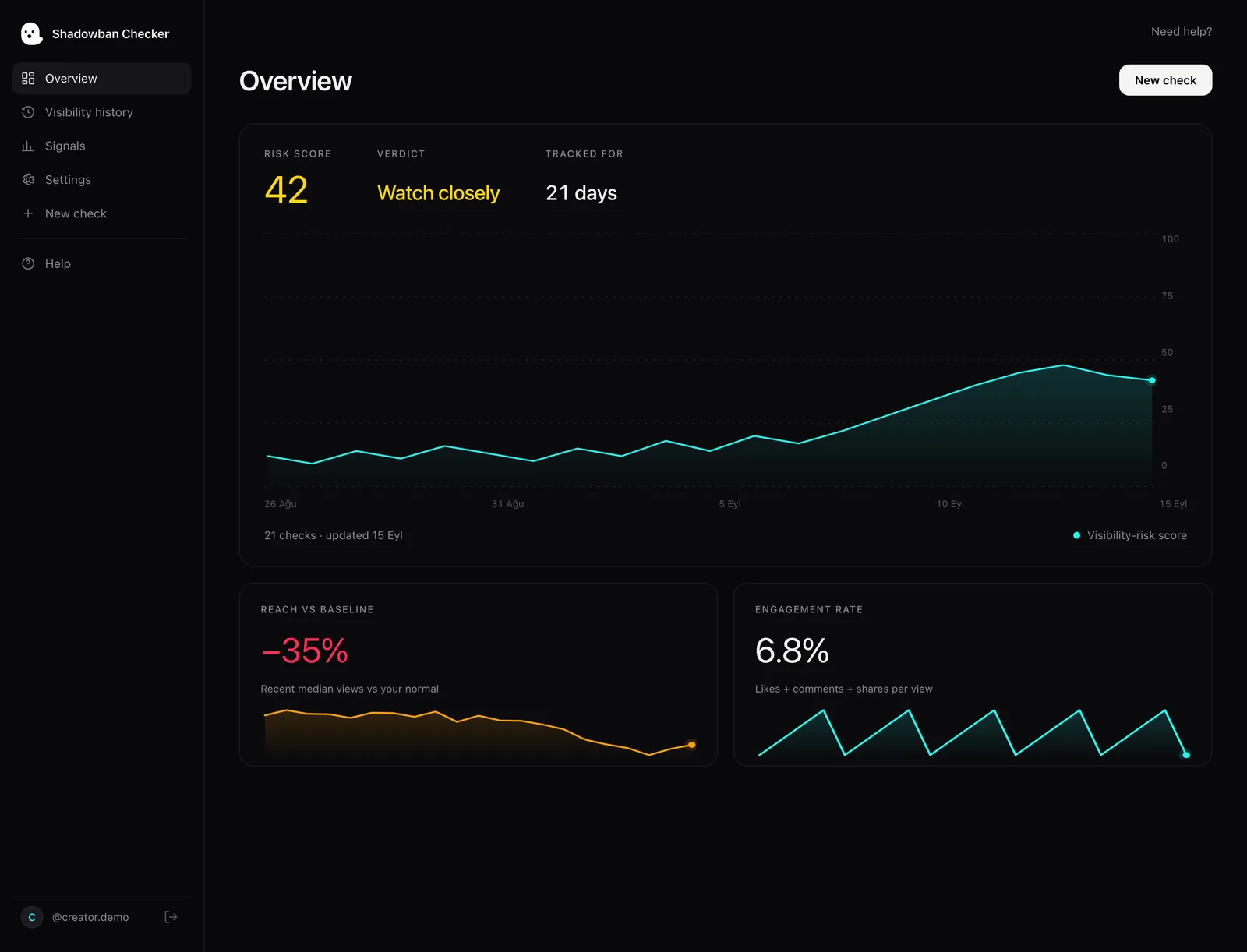
Shadowban Checker is an independent, read-only TikTok reach-analytics tool for creators. It connects to your own account through TikTok’s official login and API and estimates whether your reach is being limited — an honest estimate, not an official TikTok status. It only reads your own account’s video stats — it makes no changes and cannot see anything TikTok doesn’t already expose to you. It complements Account status: one tells you about enforcement, the other estimates whether your reach pattern looks normal, with a 0–100 risk score and a plain-language read.
Run a free visibility check on your account →
Want the full diagnostic walkthrough? Read How to tell if your TikTok reach is limited.
Questions, answered.
How do I check my TikTok account status?
Open TikTok, go to your Profile, tap the ☰ menu in the top right, then tap Settings and privacy → Account → Account status. It holds your record of warnings, Community Guideline violations, removed content and restrictions. Creator Academy also says consequences appear in your inbox under Account Updates.
How can I see if my TikTok violated Community Guidelines?
Account status lists violations and the content that was actioned. Per Creator Academy, removed videos also carry a “Community Guidelines violation” tag on your profile, and TikTok says it tells you what happened and why whenever it acts on your content.
Does a clean account status mean I am not shadowbanned?
Not necessarily. “Shadowban” is not a TikTok term; what creators mean by it usually maps to a video being ineligible for recommendation in the For You feed, which is mostly a per-video limit separate from account-level enforcement. Check each video’s analytics for the eligibility warning, or run a reach check.
How do I appeal a TikTok violation?
Open the moderation result notification for the affected content and tap Appeal in the upper-right corner, then submit your request. A member of TikTok’s safety team re-reviews the content; if the appeal succeeds, TikTok says it will restore your content and remove the penalty. You can track appeal status in the in-app Safety Center.
How long do TikTok strikes last?
TikTok says strikes expire from your account record after 90 days. Reaching the strike threshold within a feature or policy — or committing a single severe violation — can still result in a permanent ban.
Does Account status show For You feed ineligibility?
For individual videos, TikTok points to analytics: Creator Academy says a warning bar appears at the top of the video’s Performance tab if it isn’t eligible for the For You feed. Your full enforcement record lives in Account status.
Sources
- TikTok Creator Academy — Moderation and Appeals
- TikTok Community Guidelines — Enforcement (public interest exceptions, detection, notice and appeals)
- TikTok Community Guidelines — Accounts and Features (accounts, LIVE, search, comments)
- TikTok Newsroom — Supporting creators with an updated account enforcement system (February 2023)
- TikTok Community Guidelines — For You feed Eligibility Standards
Statements about TikTok’s policies are drawn from these primary sources and quotes are verbatim. Where TikTok has no official statement, or where we describe our own heuristics, the text says so.
More on your reach.
What Does “Under Review” Mean on TikTok — and What to Do
Your video says “Under review” and your stomach drops. Good news: it’s usually routine. Here’s what the status means, how TikTok’s review works, the possible outcomes, and what to do.
Why Can’t Anyone Find Me in TikTok Search?
Being hard to find in TikTok search usually isn’t a shadowban. It’s often a privacy setting, a private or new account, or how search ranks results. Here’s how to test it honestly and separate benign causes from real restrictions.

TikTok LIVE Shadowban: Why Your Lives Get No Viewers
There is no documented “LIVE shadowban.” Empty LIVEs usually trace to eligibility, timing, audience size, or a documented LIVE restriction. Here is what TikTok’s guidelines actually say, and how to tell which one you are hitting.