Which TikTok shadowban checker is best?
The most reliable check is TikTok’s own: Account status shows removals, restrictions and strikes, and TikTok says content that isn’t eligible for the For You feed shows up in your analytics. Third-party checkers add a second opinion. Tools that read your own account’s video history compare you with your usual; username lookups compare you with outside benchmarks.
Shadowban Checker is one of the connected-account tools, so read this page as a comparison written by a participant. We describe other tools only by what their own pages say, and link them.
What are the four approaches to checking a TikTok shadowban?
1. Username lookup tools
You type a public @username and get a result — no login. For example, Bulkoid’s checker says it “only needs your username” and compares your numbers “against what an account your size normally gets”; On4t’s checker asks you to type your TikTok handle and pulls followers, likes and recent video performance. Bulkoid also states plainly that no checker can give “a certified yes or no.” Strength: instant and no account connection. Limit: only public numbers, benchmarked against other accounts rather than your own history, and anyone can look up anyone.
2. Self-check quizzes and checklists
You tick the symptoms you’ve noticed — a views drop, no For You traffic, a video “under review” — and get a risk read. Our own symptom check works this way and runs entirely in your browser. Strength: private and fast. Limit: it’s only as accurate as your memory of your numbers.
3. Connected-account tools (Shadowban Checker)
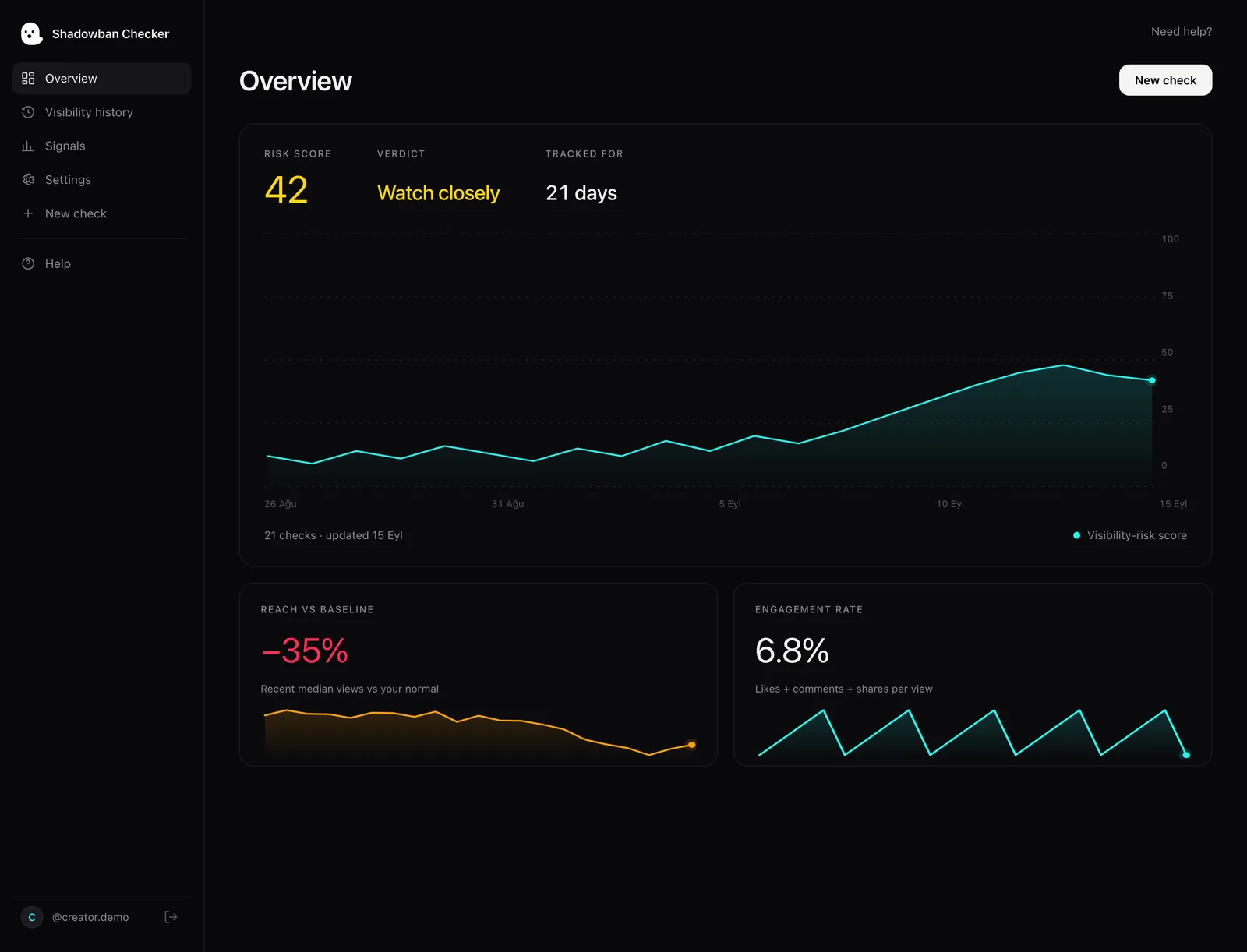
You sign in through TikTok’s official login with read-only access, and the tool reads your own recent videos’ views, likes, comments and shares through TikTok’s official API. Shadowban Checker compares your 3 newest videos with the median of your older ones and flags drops, sudden fall-offs and falling reach while fans still engage (see the methodology). Strength: your real per-video history, your own baseline, and — on Pro — daily monitoring with alerts. Limit: you have to connect your account, and it only works for your own account.
4. TikTok’s own tools
Account status (TikTok Studio or Safety Center) lists removals, feature restrictions and strikes, and most decisions can be appealed. Your analytics show traffic sources, and per TikTok’s Creator Academy they show when content isn’t recommended. Strength: the only first-party source. Limit: no history or alerts across videos, and it won’t tell you that reach is simply below your usual.
How do TikTok shadowban checkers compare side by side?
| Username lookup | Self-check quiz | Connected account (Shadowban Checker) | TikTok Account status + analytics | |
|---|---|---|---|---|
| What you give it | A public @username | Your answers | Read-only TikTok login | Nothing — built in |
| Data it reads | Public profile and video counts | What you remember | Your own videos’ views, likes, comments, shares via the official API | TikTok’s own records |
| Compared against | Outside benchmarks (varies) | A checklist | Your own usual (median of older videos) | — |
| Shows FYF eligibility or strikes | No | No | No | Yes |
| Daily monitoring and alerts | Varies | No | Yes (Pro) | No |
| Works on other people’s accounts | Yes | — | No — your own only | No |
| Result | Estimate | Estimate | Estimate (0–100 risk score) | Official status |
What can no shadowban checker see?
No third-party tool can read TikTok’s internal recommendation decisions. TikTok’s official API returns per-video counts such as views, likes, comments and shares, but its video object has no field for traffic source, For You feed eligibility or recommendation status. So any tool — ours included — that says you are or aren’t “shadowbanned” is estimating. Treat a confident yes/no with a fixed duration as a red flag; TikTok publishes no shadowban duration (see how long a shadowban lasts).
Which should you use, and when?
- First, TikTok’s own tools. If Account status shows a removal, restriction or strike, that’s your answer — appeal if it’s wrong (how to check Account status).
- Then measure your own numbers. If Account status is clean but views fell, a connected-account check tells you whether the drop is large for you or ordinary variance.
- Watch it over time. A single slow video means little; a pattern across several posts means more. Daily monitoring catches a drop within a day.
- Use username lookups for a quick outside look — for example at an account you don’t own — knowing they see only public numbers.