Bulkoid TikTok Shadowban Checker Alternative Username lookup vs your own numbers.
Bulkoid’s free checker looks at a public TikTok profile from the outside — no login. Shadowban Checker connects to your own account through TikTok’s official login and compares your newest videos with your own usual. Different methods, both estimates.
Updated October 8, 2026
How they compare.
Bulkoid’s column describes only what its own product page says (checked October 8, 2026).
Bulkoid asks for an email address to send the full report; on-screen it shows followers, a shadowban risk rating and an engagement score. See Bulkoid’s page.
Two ways to read the same drop.
Bulkoid looks at an account from the outside. Shadowban Checker reads your own videos from the inside, with your permission. Neither can see TikTok’s internal decisions.
Your Own Usual
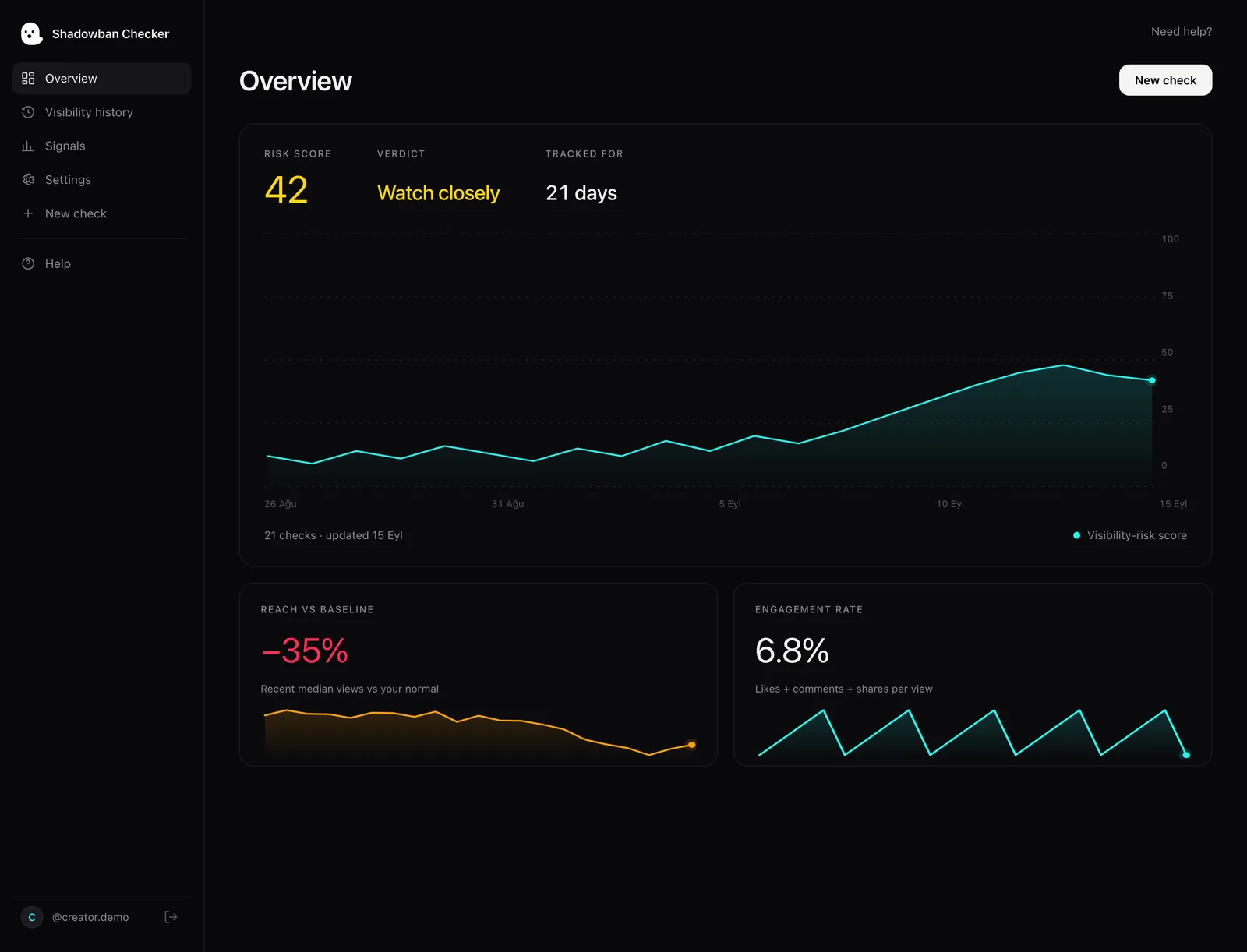
We compare your 3 newest videos with the median of your older ones — so a drop only counts when it’s a drop for you.
How the Score Works →Views vs Likes and Comments
If views fall while likes and comments per view hold up, that may mean fewer new people are seeing your videos — not that the videos got worse.
Sudden Fall-Offs and Hashtags
We flag a video far below your usual right after a normal one, and spammy or overused hashtags in your captions.
Pick the tool that fits the question.
Both are estimates. TikTok’s own Account status and analytics are the only source straight from TikTok — start there either way.
A Quick Outside Look
You want an instant, free read with no login — or you want to look at an account you don’t own. Bulkoid says it only needs a username and has no limit on how often you check.
Your Own Account, Every Day
You own the account and want to know whether a drop is unusual for you, video by video — and, on Pro, get an email within a day if your views drop instead of checking by hand.
See All Features →Questions, answered.
Common questions when comparing Bulkoid and Shadowban Checker.
What is the main difference between Bulkoid and Shadowban Checker?
The method. Bulkoid’s checker needs only a username and compares an account’s public numbers with what an account that size normally gets. Shadowban Checker connects to your own account through TikTok’s official login and compares your newest videos with your own past videos.
Is Bulkoid’s shadowban checker free?
Its product page says it is free, with no account to create and no limit on how often you check; it asks for an email address for the full report. Shadowban Checker is also free for 2 checks a day; Pro is $39.99 a year with a 7-day free trial.
Can either tool confirm a TikTok shadowban?
No. Bulkoid itself says no checker can give a certified yes or no, because nobody outside TikTok can see its internal flags. TikTok’s official API also has no field for For You feed eligibility. TikTok’s own Account status and analytics are the only source straight from TikTok.
Why connect my account instead of typing a username?
A login lets the tool read the numbers of your own recent videos and compare them with your own usual — so a drop counts only if it’s a drop for you. The trade-off: it only works on accounts you can sign in to. Shadowban Checker is read-only and never sees your password.
Ready to see what’s happening to your views?
Run your first check free on the web, or get the iOS app to check from your phone. Both use TikTok’s official login and can only read your public numbers. We never ask for your password.
iOS 15+ · Free to download · Web app works in any browser
Sources
- Bulkoid — TikTok Shadowban Checker (product page)
- TikTok for Developers — Video Object (API v2)
- TikTok — For You feed Eligibility Standards (Community Guidelines)
Every factual claim above is drawn from these primary sources. Where TikTok has no official statement, the text says so and stays hedged.