Should You Delete Low-Performing TikTok Videos? What Actually Happens
Deleting TikTok videos with low views is not a documented way to reset your account or lift a “shadowban.” Here’s what TikTok actually says about deleting, going private, strikes and reach — and when removing a video does make sense.
Should you delete low-performing TikTok videos?
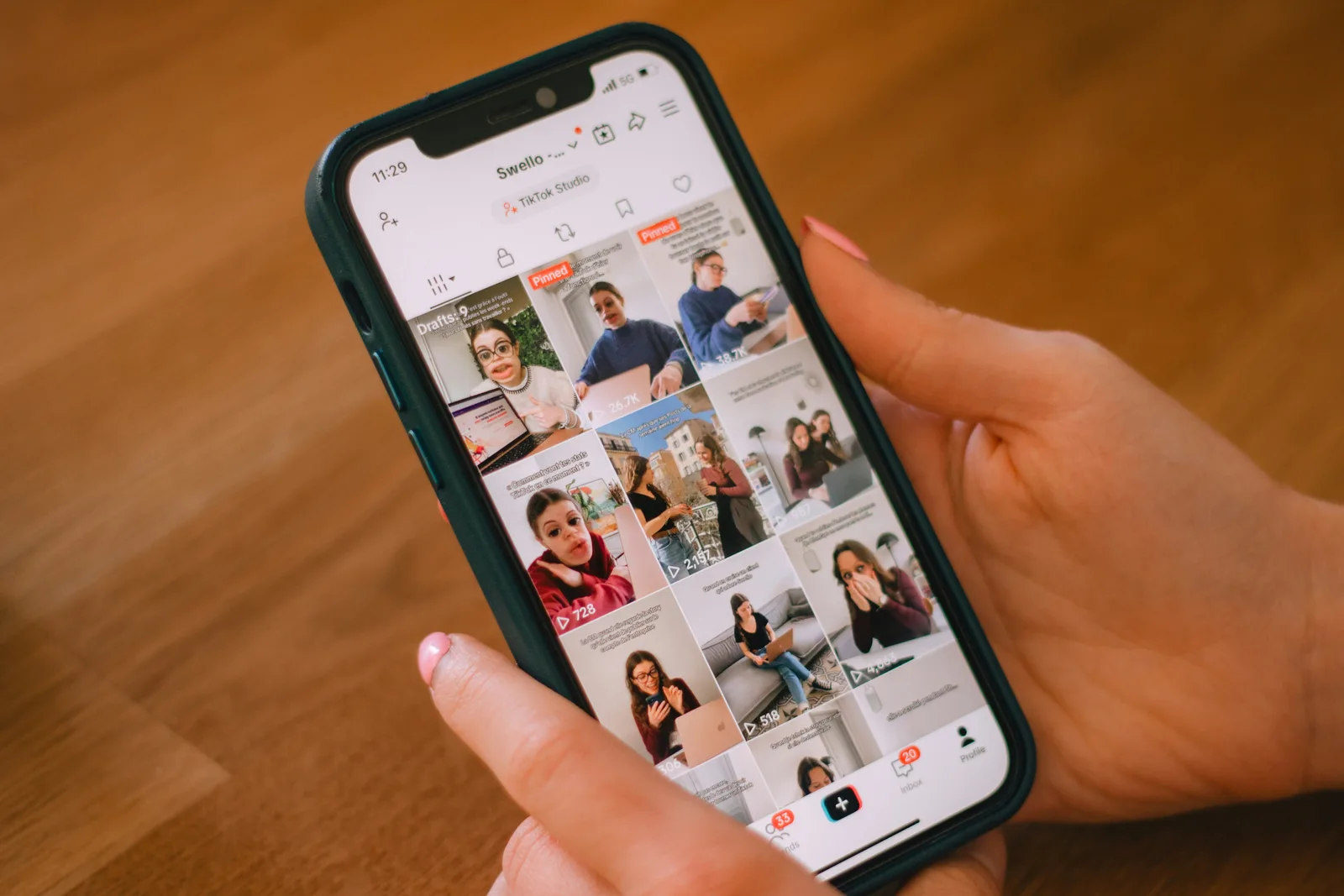
For most creators, deleting TikTok videos with low views is not a reach strategy. TikTok has published no statement — in its Community Guidelines, Creator Academy or Help Center — saying that removing underperforming videos improves how your next posts are recommended, “resets” your account, or lifts what creators call a shadowban. Any claim that it does is unverified.
It also helps to remember what a low-view video usually is: just a video that didn’t land. TikTok says so directly in its For You feed standards:
If a video isn’t getting many views, it also doesn’t necessarily mean it broke a rule.TikTok Community Guidelines — For You feed Eligibility Standards
“Shadowban” is a creator word, not a TikTok word. The documented mechanism behind it is For You feed (FYF) ineligibility — content that isn’t recommended into the For You feed, TikTok’s main discovery surface. Deleting is a housekeeping decision, not a fix for FYF ineligibility. We explain the underlying mechanism in does a TikTok shadowban exist.
What does TikTok say about deleting videos?
TikTok’s Help Center documents how deletion works, not what it does to reach. The key facts:
When you delete a post, it remains in our system for up to 30 days before being permanently deleted.TikTok Help Center — Editing, posting, and deleting
- There is a grace period. Deleted posts sit in a Recently deleted folder (Profile → Menu → Settings and privacy → Activity center) and can usually be restored during that window.
- Restoring brings engagement back. TikTok says that when you restore a recently deleted post, you also recover all associated comments and likes.
- After the window, it’s permanent. Once the grace period ends, the post is permanently deleted — and, in practice, its analytics with it.
What the Help Center does not say is anything about the For You feed, account standing, or future recommendations. We found no official TikTok page linking deletion to reach in either direction — so “deleting helps” and “deleting hurts your account” are both unsupported as blanket claims.
Does deleting videos reset your account or remove a shadowban?
No documented mechanism supports a “reset.” Here’s what TikTok does document about account standing, and why deletion doesn’t fit into it.
Strikes have their own clock
If content violates the Community Guidelines, TikTok removes it and the account accrues a strike. TikTok’s Creator Academy explains how long that lasts:
Most people don't set out to break our rules and just need a reminder from time to time, so strikes expire from your account record after 90 days.TikTok Creator Academy — Moderation and Appeals
The other documented way a penalty goes away is a successful appeal:
If your appeal is successful, we'll restore your content and remove the penalty from your account.TikTok Creator Academy — Moderation and Appeals
TikTok names these two routes — expiry after 90 days and a successful appeal. It does not describe deleting other videos, or the violating one, as a way to clear a strike. The violating video has usually been removed by TikTok already, and the strike record lives in Account status in your inbox. If you think a decision was wrong, appeal it from the moderation notification rather than deleting anything. TikTok doesn’t document what happens to a pending appeal if you delete the content, so our advice is to appeal first.
The account-level nuance
There is one documented account-level effect worth knowing. TikTok’s Accounts and Features guidelines say that for accounts that don’t break the rules but post a lot of FYF-ineligible content, it “may make the account and its content ineligible for the FYF and harder to find.” That concerns videos TikTok has actually marked ineligible — which shows up as a warning bar on the video’s Performance tab in analytics — not videos that simply got few views. TikTok doesn’t say whether deleting ineligible videos changes that account-level status, so treat any promise that it does as unverified.
Low views aren’t held against your next post — as far as TikTok says
TikTok’s recommendation system page lists the video information it considers, such as when a video was posted, its soundtrack, length and hashtags, and it predicts how likely each viewer is to interact with each video. An account’s older low-view videos don’t appear on that list. TikTok calls the list non-exhaustive, so this is an absence of evidence, not proof — but nothing TikTok publishes suggests a flop “drags down” future posts.
Is making a video private better than deleting it?
If the goal is a cleaner profile, setting a video to “Only you” is usually the safer choice. TikTok lets you change privacy on any existing post (More options → Privacy settings) to Everyone, Friends or Only you on a public account, and it notes:
The view count on your post reflects all views to date and doesn't reset if you update the privacy settings.TikTok Help Center — Post privacy settings
That makes privatising reversible: the video leaves your public profile, its count stays intact, and you can make it public again later. Deleting is reversible only during the grace period. Neither option is documented as affecting reach.
| Option | What TikTok documents | Good for |
|---|---|---|
| Leave it public | Low views don’t necessarily mean a rule was broken; the video can still be found through search or your profile. | Most flops. Keeps the data and any slow-burn search traffic. |
| Set to “Only you” | Hidden from others; view count doesn’t reset when privacy changes; can be switched back. | Off-brand, outdated or embarrassing posts you may want back. |
| Delete | Kept in Recently deleted for up to 30 days, then permanently deleted; restoring recovers comments and likes. | Content you never want public again, such as a privacy mistake. |
One caution (our editorial view, not TikTok policy): don’t delete a video and re-upload the same file hoping for a second shot. If the issue was the content itself — for example a reposted clip showing someone else’s watermark — the copy faces the same For You feed standards.
Which deleting myths should you ignore?
None of these popular claims trace to an official TikTok source:
| Myth | Reality |
|---|---|
| “Delete your flops and the algorithm resets your account.” | TikTok documents no account reset tied to deleting videos. Unverified. |
| “Deleting a removed video clears the strike.” | TikTok says strikes expire after 90 days, and a successful appeal removes the penalty. It names no deletion route. |
| “Low views mean you’re shadowbanned, so purge them.” | TikTok says low views don’t necessarily mean a video broke a rule. |
| “Deleting lots of videos gets you flagged.” | We found no TikTok source for this either. Treat it as unverified, like the reset claim. |
| “Going private resets a video’s views.” | TikTok says the view count doesn’t reset when you change privacy settings. |
What should you do instead of mass-deleting?
If reach has dropped and you’re tempted to wipe your grid, work through the documented checks first:
- Check Account status in your inbox for violations or strikes, and each video’s Performance tab for an FYF-ineligibility warning bar.
- Appeal any decision you believe was wrong, before you delete anything.
- Read the data before you delete it. Low-view videos show which hooks, topics and lengths didn’t work — see how to read TikTok analytics for reach.
- Privatise rather than delete anything you simply don’t want on your profile.
- Keep posting original content that meets the For You feed standards, and judge reach across several new posts.
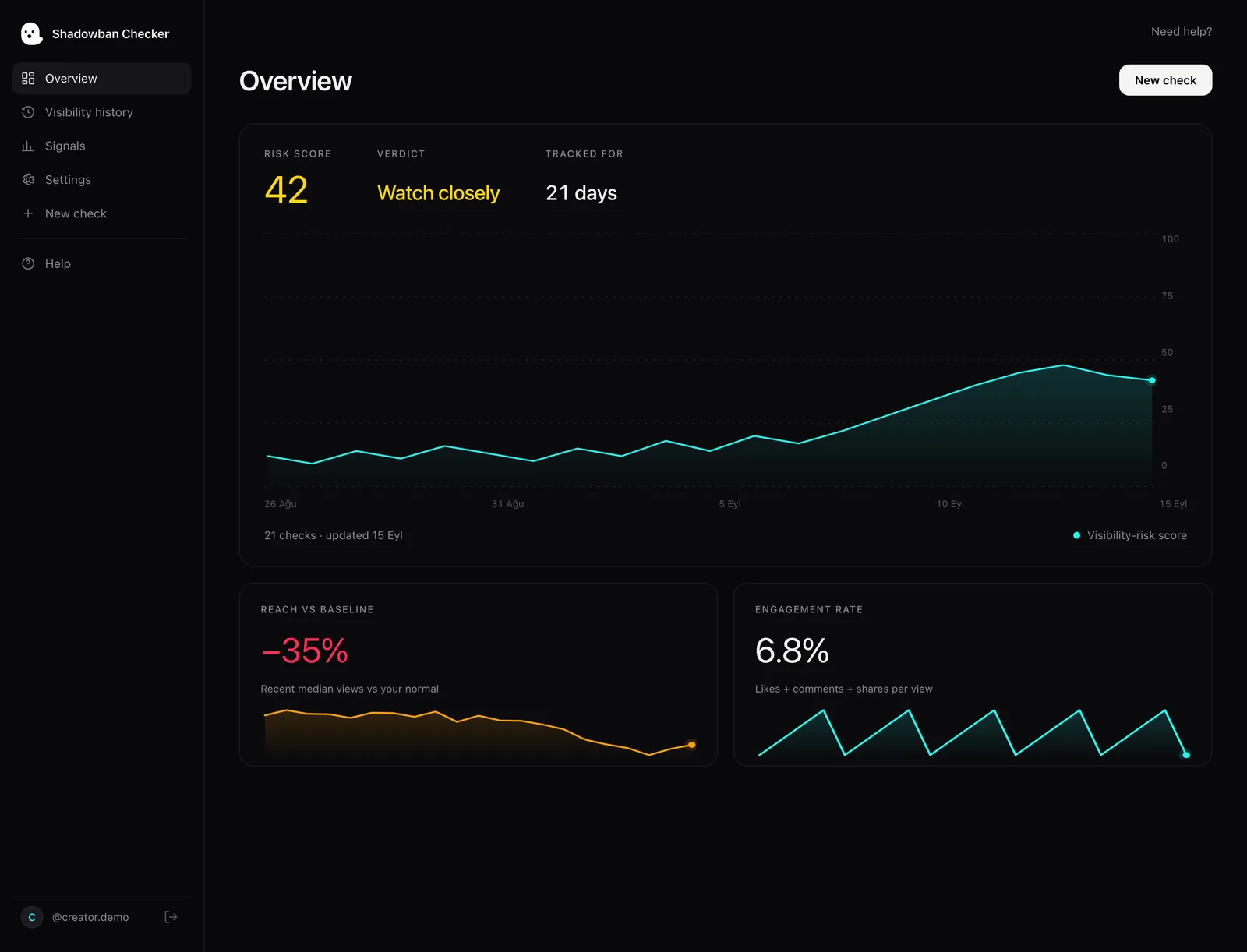
If you can’t tell whether you’re looking at a real restriction or a normal dip, start with why your TikTok views dropped and how to fix a TikTok shadowban. Shadowban Checker is an independent, read-only TikTok reach-analytics tool for creators. It connects to your own account through TikTok’s official login and API and estimates whether your reach is being limited — an honest estimate, not an official TikTok status. A free visibility check compares recent posts with your baseline, so you can decide before you delete.
Questions, answered.
Should I delete TikTok videos with low views?
Usually not. TikTok publishes no statement that deleting low-view videos improves reach or resets your account, and it says low views don’t necessarily mean a video broke a rule. If you want a video off your profile, setting it to “Only you” keeps its views and can be reversed.
Does deleting TikTok videos hurt your account?
TikTok documents no penalty for deleting your own videos, and no benefit either. What you lose in practice is the video’s performance history once the post is permanently deleted after the grace period of up to 30 days. Claims that deleting gets you flagged are unverified.
Does deleting a video remove a TikTok strike?
TikTok doesn’t describe deletion as a way to clear a strike. It says strikes expire from your account record after 90 days, and that a successful appeal restores your content and removes the penalty. If you think a decision was wrong, appeal it from the moderation notification.
Can I recover a deleted TikTok video?
Yes, for a limited time. TikTok says deleted posts stay in its system for up to 30 days. You can restore them from Settings and privacy → Activity center → Recently deleted, and restoring also recovers the post’s comments and likes. After that window, deletion is permanent.
Is it better to make a TikTok video private or delete it?
Private is usually the safer choice. Setting a post to “Only you” hides it from others while keeping it recoverable, and TikTok says the view count doesn’t reset when you change privacy settings. Deleting makes sense for content you never want public again.
Will deleting videos fix a TikTok shadowban?
There’s no evidence it will. TikTok doesn’t use the term “shadowban”; the real mechanism is For You feed ineligibility, which you can see in each video’s analytics. The documented steps are checking Account status, appealing mistakes and posting original, eligible content. A visibility check helps you track recovery.
Sources
- TikTok Help Center — Editing, posting, and deleting
- TikTok Help Center — Post privacy settings
- TikTok Community Guidelines — For You feed Eligibility Standards
- TikTok Creator Academy — Moderation and Appeals
- TikTok Newsroom — Supporting creators with an updated account enforcement system (February 2023)
- TikTok Community Guidelines — Accounts and Features (accounts, LIVE, search, comments)
- TikTok Community Guidelines — Integrity and Authenticity
- TikTok — Introduction to the TikTok recommendation system
- TikTok Creator Academy — Why is your video not getting recommended on the For You feed?
Statements about TikTok’s policies are drawn from these primary sources and quotes are verbatim. Where TikTok has no official statement, or where we describe our own heuristics, the text says so.
More on your reach.
How to Fix a TikTok Shadowban: What Actually Works
There is no official “unshadowban” button and no guaranteed timeline. Here is the reality-based way to recover your reach: check your account status, find and fix the underlying cause, appeal wrongful restrictions, and align with For You Feed standards.
How Long Does a TikTok Shadowban Last? The Honest Answer
There is no official TikTok “shadowban,” and no official duration. The popular “14 days,” “2 weeks,” and “90 days” figures are unverified folklore. Here’s what actually determines when your reach comes back — and how to tell it’s happening.
How to Tell If Your TikTok Reach Is Limited: The Real Signals
There’s one signal TikTok actually gives you, and a handful of patterns worth watching. Here’s how to separate a real reach limit from normal ups and downs — without the myths.