How to Appeal a TikTok Removal or Restriction (Step by Step)
A video got removed or restricted and you know it was a mistake. You’re not stuck — TikTok has an appeal process built into the app. Here’s exactly how it works, what to check first, and how strikes fit in.
What decisions can you appeal?
More than most creators realise. TikTok’s Enforcement guidelines are explicit that appeals cover reach limits too, not just removals:
If your account was banned, or your content was removed, made ineligible for the FYF, or otherwise restricted, and you believe this was an error, you may appeal the decision.TikTok Community Guidelines — Enforcement
That sentence matters for anyone who thinks they’ve been “shadowbanned.” If a specific video was made ineligible for the For You feed — the documented mechanism behind most shadowban complaints — that decision is appealable in the same way a removal is. So appeals cover four situations:
- Removed content — the video was taken down for a Community Guidelines violation.
- FYF-ineligible content — the video stays up but won’t be recommended in the For You feed.
- Otherwise restricted content — for example, age-restricted or limited in another way.
- A banned account — the whole account, which we cover separately below.
When is an appeal worth it?
Appeals exist for exactly the situation that feels most unfair: a video you believe follows the rules gets removed or restricted anyway. TikTok acknowledges this happens — its Creator Academy says: “We strive for accuracy in our moderation decisions, but sometimes we get them wrong.” Automated review isn’t perfect, and TikTok builds in a way to contest a decision rather than leaving you to guess.
Appeal when you genuinely think the call was wrong. TikTok actively encourages it: “We encourage you to appeal any decision you believe was made in error.” If the video does break a guideline, though, an appeal won’t change that — the better move is to learn the standard and re-make the content. Not sure which situation you’re in? Read the reason on the notification and compare it with the eligibility standards.
How do you appeal, step by step?
TikTok’s Creator Academy describes the core action in one sentence:
Tap Appeal in the upper right corner of the moderation result notification page and submit your request.TikTok Creator Academy — Moderation and Appeals
In practice (the exact wording shifts between app versions):
- Find the decision. Creator Academy says consequences appear in your inbox under Account Updates, and your full record is in Account Status. Removed videos also carry a “Community Guidelines violation” tag on your profile.
- Open the moderation result notification. Tap it for more detail on the decision and the rule involved.
- Tap “Appeal.” It sits in the upper-right corner of that notification page.
- Submit the request and follow any prompts.
You don’t need email, a third-party service, or any “unban tool.” The process lives inside the app. Creator Academy also notes that when you view a decision you can say whether the reason made sense to you, and share feedback if it didn’t — that’s feedback on the explanation, separate from the appeal itself.
What should you check before you tap Appeal?
A few minutes of checking makes an appeal more likely to be worth your time. These are our suggestions, not TikTok requirements:
- Read the stated reason. The notification names what happened. Compare it with the actual rule in the Community Guidelines.
- Look at the video the way a stranger would. Does anything in the first seconds, the caption, the audio or the thumbnail read differently out of context?
- Check for reused material. TikTok lists reused content showing someone else’s watermark or logo, and short clips made from GIFs only, as FYF ineligible — an appeal won’t change that if it applies.
- Check whether a public-interest exception fits. TikTok says it may allow some content that would otherwise break rules if it’s documentary, educational, medical or scientific, counterspeech, satirical or artistic — and it suggests making that intent clear with captions, stickers or voiceover. Even then, it “might still” make the content ineligible for the FYF or add a warning screen.
- Don’t delete the video. Deleting a still-live video you think was wrongly restricted gives up the chance to have it restored.
What happens after you appeal?
Creator Academy says a member of TikTok’s safety team reviews the content again against the Community Guidelines, and TikTok notifies you of the outcome. You can track the status of your appeal in the in-app Safety Center.
If your appeal is successful, we'll restore your content and remove the penalty from your account. It won't affect your account going forward.TikTok Creator Academy — Moderation and Appeals
If the decision is upheld, the original action stands and the stated reason is your cue for what to change. TikTok doesn’t publish a guaranteed turnaround time for appeals, so don’t treat any specific figure you read online as a rule. Meanwhile, one restricted video is not your whole account — keep posting compliant content rather than going quiet.
How do strikes work?
Strikes are why appeals matter beyond a single video. TikTok described its strike-based system in a Newsroom post:
Under the new system, if someone posts content that violates one of our Community Guidelines, the account will accrue a strike as the content is removed.TikTok Newsroom — Supporting creators with an updated account enforcement system
The key facts, from TikTok’s own pages:
- Thresholds. If an account meets the threshold of strikes within a product feature (like Comments or LIVE) or a policy (like Bullying and Harassment), it is permanently banned. Thresholds vary by how harmful a violation is.
- Severe violations. TikTok says it issues permanent bans on the first strike for severe violations, such as threatening violence.
- Expiry. Creator Academy says strikes “expire from your account record after 90 days.”
- Warnings. TikTok says it will notify you if you’re on the verge of a permanent ban.
- Appeals. TikTok describes creators’ ability “to appeal enforcements and have strikes removed if valid.”
So appealing a wrong removal keeps an unfair strike off your record — which matters most if you’re already close to a threshold. For the difference between strikes and reach limits, see how long a shadowban lasts.
What if your whole account was banned?
TikTok’s Enforcement guidelines say that if your account is banned, you’ll see a message in the app — and the same appeal right applies: if you believe the ban was an error, you may appeal the decision. TikTok’s Accounts guidelines list the reasons it may ban an account, including repeated rule violations, a single severe violation, or trying to avoid enforcement. They also note that, in some cases, users may be offered optional policy training to restore full access.
One important warning from TikTok’s Integrity and Authenticity guidelines: if your account is restricted or banned, you may not create or use another account to get around it. Appeal the original decision instead of starting over — a workaround account can make things worse.
How do you prevent the next one?
- Learn the reason. The notification names the rule — use it, don’t guess.
- Post original, clean content. Watermarked or unoriginal uploads are a common, documented trigger for FYF ineligibility — see reposts and watermarks.
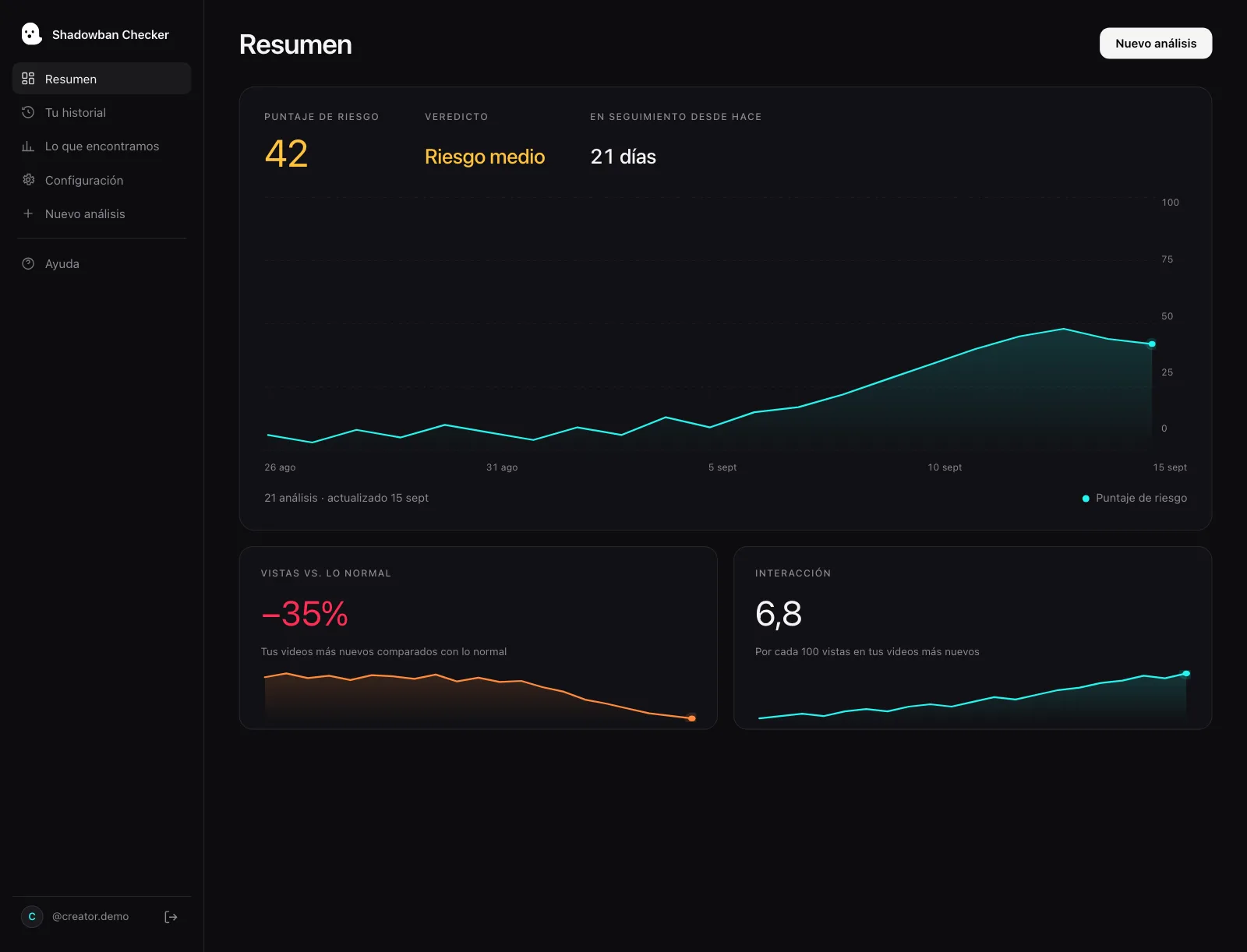
- Watch your trend, not one post. Shadowban Checker is an independent, read-only TikTok reach-analytics tool for creators. It connects to your own account through TikTok’s official login and API and estimates whether your reach is being limited — an honest estimate, not an official TikTok status. A free visibility check gives you a 0–100 risk score for your recent videos.
- Don’t chase rituals. Deleting the app or posting at 3am doesn’t affect moderation — the appeal and clean content do. More in how to fix a TikTok shadowban.
Questions, answered.
How do I appeal a removed TikTok video?
Open the moderation result notification for the video (from your inbox or Account status), tap Appeal in the upper-right corner, and submit your request. It’s all done inside the app — no email or third-party tool needed.
Can I appeal if my video was made ineligible for the For You feed?
Yes. TikTok’s guidelines say you may appeal if your content was removed, made ineligible for the FYF, or otherwise restricted and you believe it was an error.
What happens if my appeal is approved?
TikTok says it will restore your content and remove the penalty from your account, and that it won’t affect your account going forward. If the appeal is denied, the original action stands and the stated reason tells you what to change.
How long does a TikTok appeal take?
TikTok doesn’t publish a guaranteed appeal turnaround, so any exact number online is unverified. Track it in the in-app Safety Center; TikTok says it notifies you of the outcome.
Do TikTok strikes ever go away?
Yes. TikTok says strikes expire from your account record after 90 days, and valid appeals can have strikes removed. Reaching a strike threshold within a feature or policy, or a single severe violation, can still lead to a permanent ban.
Should I delete a video instead of appealing?
If you believe it was a mistake, appealing is the path that can restore the video and remove the penalty. Deleting a still-live video you think was wrongly restricted forfeits that chance.
Sources
- TikTok Creator Academy — Moderation and Appeals
- TikTok Community Guidelines — Enforcement (public interest exceptions, detection, notice and appeals)
- TikTok Newsroom — Supporting creators with an updated account enforcement system (February 2023)
- TikTok Community Guidelines — Accounts and Features (accounts, LIVE, search, comments)
- TikTok Community Guidelines — Integrity and Authenticity
- TikTok Community Guidelines — Overview (content moderation)
Statements about TikTok’s policies are drawn from these primary sources and quotes are verbatim. Where TikTok has no official statement, or where we describe our own heuristics, the text says so.
More on your reach.

How to Check Your TikTok Account Status (Community Guideline Violations)
Your TikTok Account status is the most authoritative check you can run on yourself: it holds your record of Community Guidelines violations and restrictions, straight from TikTok. Here is where to find it, what it shows — and the one thing it does not tell you.
How to Fix a TikTok Shadowban: What Actually Works
There is no official “unshadowban” button and no guaranteed timeline. Here is the reality-based way to recover your reach: check your account status, find and fix the underlying cause, appeal wrongful restrictions, and align with For You Feed standards.
How Long Does a TikTok Shadowban Last? The Honest Answer
There is no official TikTok “shadowban,” and no official duration. The popular “14 days,” “2 weeks,” and “90 days” figures are unverified folklore. Here’s what actually determines when your reach comes back — and how to tell it’s happening.