Why Can’t Anyone Find Me in TikTok Search?
Being hard to find in TikTok search usually isn’t a shadowban. It’s often a privacy setting, a private or new account, or how search ranks results. Here’s how to test it honestly and separate benign causes from real restrictions.
Is search visibility the same as For You feed reach?
No. Being hard to find in search and getting little reach in the For You feed (FYF) are two separate problems on two separate surfaces. People conflate them because both feel like “no one sees me,” but they have different causes and different fixes.
The For You feed is TikTok’s recommendation engine — the personalised stream. Search is query-driven: someone types your name, a caption, or a keyword and TikTok returns matches. A video can be findable in search while getting almost no FYF distribution, and the reverse is possible too.
TikTok is explicit that content which doesn’t make the For You feed can still be discovered other ways:
Even if a video doesn’t make it to the FYF, people may still find it through search or by going to a creator's account.TikTok Community Guidelines — For You feed Eligibility Standards
So if your videos aren’t showing in the feed but do appear when you search for them, that points to an FYF distribution question — covered in how to tell if your reach is limited — not a search problem. This post is about the opposite case: when you (or your captions, or your @) genuinely don’t surface in search results.
How do you test search visibility, step by step?
Guessing from a friend saying “I couldn’t find you” is unreliable — they may have typed your display name instead of your handle, or been in a different region. TikTok also says search results “may look different for everyone,” because it considers things like past searches and what someone has watched. So run a controlled test from a logged-out browser or a second account:
- Search your exact @username. On a logged-out browser (or a second account), search your handle exactly as written — no spaces, correct spelling. In our experience this is the most reliable test of whether your profile is discoverable at all.
- Search your display name. Try the name shown on your profile. If the @username works but the display name doesn’t, that’s common — many accounts can share a similar display name, while a handle is unique.
- Search a recent video caption. Copy a distinctive phrase from a recent caption and search it. This tests whether individual videos are returnable, not just your profile.
- Repeat from a second, unrelated account. Ideally on a different device or network. Consistency across accounts rules out personalisation quirks.
- Note region and language. If your audience is in another country, keep in mind their results may differ.
- Log the pattern, not one result. Record which searches returned you and which didn’t, across at least two sessions. A single miss means nothing; a repeatable pattern is a signal.
If your exact @username returns nothing from multiple logged-out attempts, that’s the strongest indication something — a setting or a restriction — is affecting discoverability, and it’s worth working through the causes below.
What are the benign reasons you’re hard to find?
Many “I can’t be found in search” cases are ordinary account states, not enforcement. Rule these out first, because they’re common and fixable from your own settings.
- Private account. A private account limits who can see your content to approved followers. Choosing between a private and public account is a documented setting in TikTok’s Help Center.
- Suggested-accounts settings. TikTok’s Help Center also documents suggested-accounts controls that influence whether your account is suggested to others. Review these under Settings and privacy.
- Very new account. A brand-new account with little history may not appear consistently in results yet. TikTok doesn’t publish how long that takes.
- Exact handle vs display name. People searching a nickname or a misspelled name may not reach you.
- Crowded or similar names. Results are personalised and TikTok says it tries “to highlight content from reliable sources at the top,” so a similar-named account can rank above yours for some searchers.
- Region and language. Testers in a different country or language setting may simply see a different result set.
| What you notice | Likely type | What it means / what to do |
|---|---|---|
| Exact @username returns nothing, logged out, repeatedly | Benign or enforcement | Check privacy and suggested-accounts settings first, then Account status |
| Handle works, display name doesn’t | Benign | Common — point people to your exact @username |
| Nobody outside your followers sees your videos | Benign | Likely a private account — switch to public if that’s your goal |
| You’re rarely suggested to others | Benign | Review the suggested-accounts settings |
| Very new account, thin results | Benign | Often changes as the account builds history |
| Testers in another country see different results | Benign | Results differ by person and place |
| Videos get no FYF reach but ARE searchable | Not a search issue | An FYF distribution question, not search |
| Account status shows a restriction or violation | Enforcement | Address it via TikTok’s notice and appeal flow |
When is a restriction the cause?
We’d check enforcement after settings and account age — but it’s real, and TikTok documents two ways search can be affected. First, a safety measure on search itself:
In some situations—such as when there’s an elevated risk of harm to users or communities—we may limit visibility of certain search results.TikTok Community Guidelines — Accounts and Features
Second, account-level enforcement. TikTok’s Integrity and Authenticity guidelines say that if it finds deceptive account behaviour, one possible action is to restrict the account, “which could include limiting your ability to post new content, appear in top search results, or in the FYF.” And its Accounts guidelines say accounts that post a lot of FYF-ineligible content may be made “harder to find.”
The honest way to check is not to infer enforcement from a failed search; it’s to read the first-party record TikTok gives you. TikTok says that whenever it acts on your content it tells you what happened and why, and your full record is in Account status.
- Open Account status. In the app: Profile → the ☰ menu → Settings and privacy → Account → Account status. Look for warnings, violations, removed content, or restrictions. Full walkthrough: how to check your TikTok account status.
- If there’s a restriction, follow the appeal path shown in the notification, rather than trying to “reset” the account.
- If Account status is clean, an account-level enforcement explanation is less likely — loop back to the settings above.
And keep the surfaces separate: a video being ineligible for the For You feed is not, by itself, a search penalty. If you’re unsure whether “shadowban” even applies to your situation, start with what TikTok officially says about shadowbans.
What does one failed search prove?
Nothing on its own — and drawing a conclusion from one search is the most common mistake. Someone mistypes your handle, or searches from a personalised account that ranks other results higher, and suddenly “TikTok is hiding me.” That’s not evidence.
Treat it like a small experiment. You want a consistent, repeatable pattern across multiple logged-out attempts, at least two sessions, and ideally two accounts, before you believe there’s a real discoverability problem — and even then, the first suspects are settings and account age, not a secret penalty.
A quick decision path:
- Exact @ works, name/caption doesn’t → normal search behaviour, no action needed.
- Nothing returns, but Account status is clean → check private-account state and suggested-accounts settings.
- Nothing returns, and Account status shows a restriction → that’s your likely explanation; follow the appeal path.
- Searchable fine, but no feed reach → it’s an FYF question — read how to tell if your reach is limited.
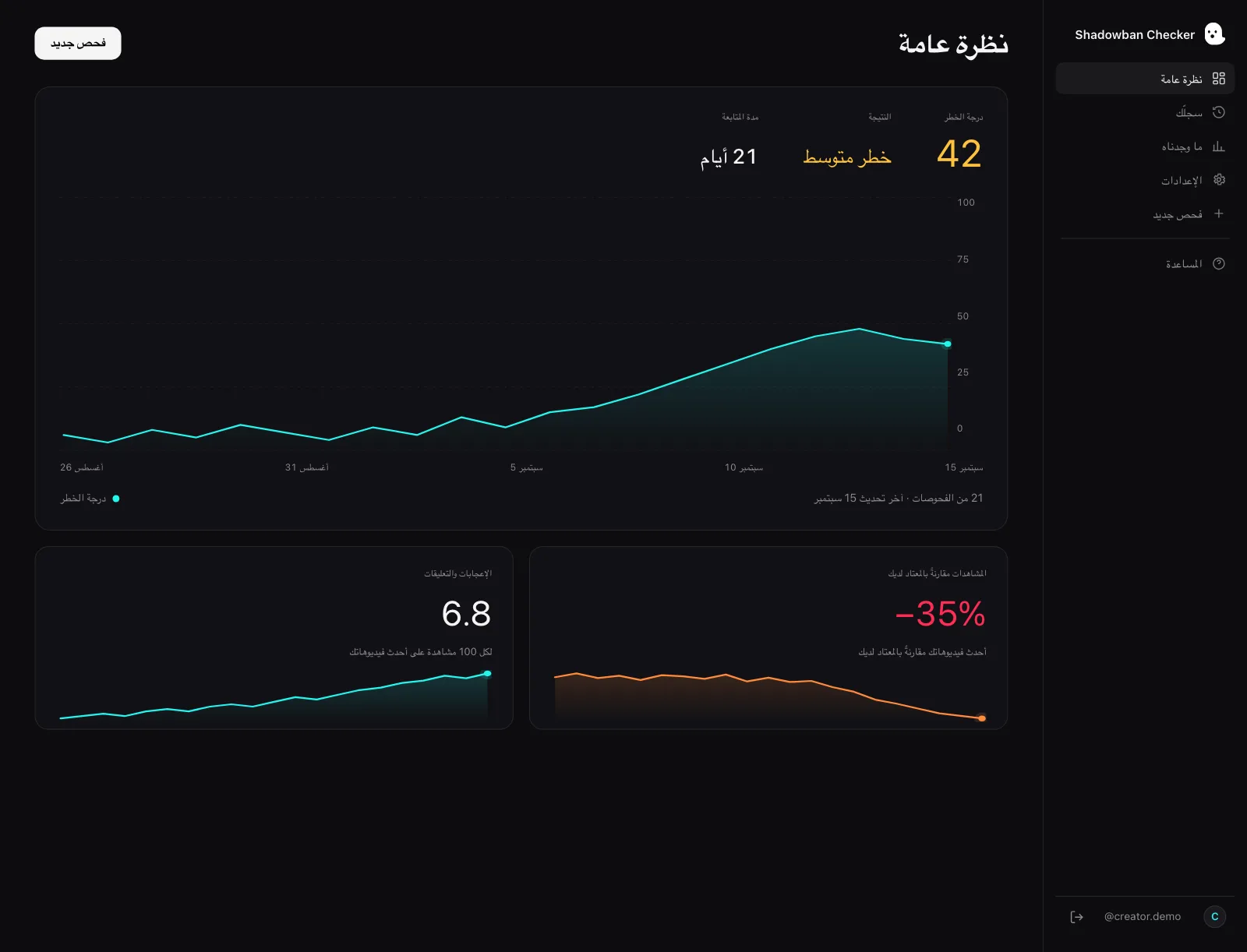
Shadowban Checker can’t test search for you — it doesn’t run searches or see other people’s results. What it can do is the For You side: Shadowban Checker is an independent, read-only TikTok reach-analytics tool for creators. It connects to your own account through TikTok’s official login and API and estimates whether your reach is being limited — an honest estimate, not an official TikTok status. Run a free visibility check and start from evidence, not anxiety.
Questions, answered.
Is being hard to find in TikTok search a shadowban?
Usually no. Search and the For You feed are different surfaces. Many search-visibility problems trace to a private or new account, suggested-accounts settings, or how people type your name — not to a hidden penalty. Confirm with a logged-out test and your Account status before assuming enforcement.
How do I test whether my TikTok account is searchable?
From a logged-out browser or a second account, search your exact @username, then your display name, then a distinctive phrase from a recent caption. Repeat across two sessions and, ideally, a second account. A single miss means nothing; look for a repeatable pattern.
Why does my @username work but my name doesn’t?
That’s common. Your handle is unique, while many accounts can share a similar display name, and TikTok says search results differ from person to person. Point people to your exact @username rather than a nickname.
Does TikTok ever limit search results?
Yes. TikTok says that in some situations, such as when there’s an elevated risk of harm, it may limit visibility of certain search results, and that restricting an account for deceptive behaviour can include limiting its ability to appear in top search results. It doesn’t publish which terms or accounts are affected.
My videos get no reach but I can still find them in search — why?
That points to a For You feed distribution question, not a search problem. TikTok says even if a video doesn’t make it to the For You feed, people may still find it through search or by going to your account. See how to tell if your reach is limited.
Sources
- TikTok Community Guidelines — For You feed Eligibility Standards
- TikTok Community Guidelines — Accounts and Features (accounts, LIVE, search, comments)
- TikTok Community Guidelines — Integrity and Authenticity
- TikTok Creator Academy — Moderation and Appeals
- TikTok Help Center — Account privacy settings
Statements about TikTok’s policies are drawn from these primary sources and quotes are verbatim. Where TikTok has no official statement, or where we describe our own heuristics, the text says so.
More on your reach.

TikTok LIVE Shadowban: Why Your Lives Get No Viewers
There is no documented “LIVE shadowban.” Empty LIVEs usually trace to eligibility, timing, audience size, or a documented LIVE restriction. Here is what TikTok’s guidelines actually say, and how to tell which one you are hitting.
How to Tell If Your TikTok Reach Is Limited: The Real Signals
There’s one signal TikTok actually gives you, and a handful of patterns worth watching. Here’s how to separate a real reach limit from normal ups and downs — without the myths.

How to Check Your TikTok Account Status (Community Guideline Violations)
Your TikTok Account status is the most authoritative check you can run on yourself: it holds your record of Community Guidelines violations and restrictions, straight from TikTok. Here is where to find it, what it shows — and the one thing it does not tell you.