TikTok Shadowban vs Ban vs Restriction: What’s the Difference?
A “shadowban,” a feature restriction, and an account ban are three different things — one limits reach, one limits actions, one removes access. Here’s how to tell which one you’re actually dealing with, from TikTok’s own enforcement documentation.

What’s the difference between a shadowban, a restriction and a ban?
“Shadowban,” “restriction,” and “ban” get used interchangeably, but they describe three different things with three different fixes. Getting them mixed up is why so many creators chase the wrong solution. Here’s the honest map, using TikTok’s own words where it has them — and flagging clearly where it doesn’t.
| Term | What it limits | Official TikTok term? |
|---|---|---|
| “Shadowban” | Reach — your video isn’t recommended in the For You feed | No. TikTok never uses the word; the real mechanism is FYF ineligibility. |
| Restriction | Actions — specific features (comment, LIVE, post) are temporarily limited | Yes. Part of TikTok’s account enforcement. |
| Ban | Access — the account is removed | Yes. The top of TikTok’s enforcement ladder. |
That can mean a warning, temporary feature or account restriction, or a full account ban, depending on what happened.TikTok Community Guidelines — Accounts and Features
The single most useful question is “what exactly stopped working?” Reach fell but you can still post, comment and go LIVE → that points at FYF ineligibility. A specific feature is unavailable → that’s a restriction. You can’t get into the account → that’s a ban. Let’s take them one at a time.
What is a “shadowban,” really?
What creators call a shadowban maps to a documented mechanism: For You feed (FYF) ineligibility. When content falls under TikTok’s “FYF Ineligible” standards, in TikTok’s words it “won't be recommended in the FYF.” The key word is recommended — nothing is removed or blocked.
Under FYF ineligibility, almost everything still works:
| Still works? | Under FYF ineligibility |
|---|---|
| Video stays on your profile | ✅ Yes |
| People can find it through search or your account | ✅ Yes, per TikTok |
| Recommended on the For You feed | ❌ No — this is the limit |
| You can still post, comment, go LIVE | ✅ Yes |
It isn’t actually silent: TikTok says that if content is made ineligible, “this information will appear in the TikTok analytics tool,” and Creator Academy describes a warning bar at the top of the video’s Performance tab. But nothing gets greyed out, so it’s easy to miss if you don’t open analytics — which is why it feels invisible. TikTok describes it mainly at the content level, so one video can be affected while the rest of your account performs normally; separately, it says accounts that post a lot of ineligible content may be made “ineligible for the FYF and harder to find.” We break the mechanism down in does TikTok shadowban exist? and the signals in how to tell if your reach is limited.
What is a restriction?
A restriction is different in kind: it’s an account-level action that temporarily limits what you can do, not how far your content travels. TikTok’s guidelines give examples across features — for comments, “we may limit or remove their ability to comment”; for LIVE, a creator “could face temporary restrictions from going LIVE”; for links, TikTok “may also temporarily stop you from posting links.”
In practice a restriction looks like a feature you normally have being unavailable. Unlike FYF ineligibility, it’s tied to a specific enforcement decision that TikTok says it explains: whenever it acts on your content, it says it will tell you what happened and why, and your full record is in Account status. Restrictions sit alongside TikTok’s strike system — strikes accrue when violating content is removed, and TikTok says they expire from your record after 90 days.
Because a restriction is recorded in-app, the fix is usually clear: read the reason in Account status, correct the behaviour, and if you believe it’s a mistake, appeal it. See how to check your account status.
What is a ban?
A ban is the top of the ladder. Rather than limiting reach or one feature, it removes access to the account. TikTok says it may ban an account for repeated rule violations, a single severe violation, trying to avoid enforcement, or running accounts dedicated to breaking the rules. It’s also the most clearly signalled: TikTok says that if your account is banned, you’ll see a message in the app.
| FYF ineligibility | Restriction | Ban | |
|---|---|---|---|
| What’s limited | Reach (recommendation) | A feature | Access |
| Where TikTok shows it | Analytics (warning bar on the video) | Notification + Account status | In-app message |
| Typical trigger | Content vs FYF standards | Violations on a feature or policy | Repeated or severe violations |
| Appealable? | Yes | Yes | Yes |
| Main path out | Better-aligned content; appeal if wrong | Appeal if wrong; avoid repeats | Appeal the decision |
If your account was banned in error, the route is to appeal the decision directly — the same in-app appeal flow we cover in how to appeal a TikTok removal or restriction. TikTok says a successful appeal restores your content and removes the penalty.
How can you tell which one you have?
Run through this in order:
- Can you log in and use the app normally? No, and you see a ban message → you’re looking at a ban. Yes → keep going.
- Is a specific feature unavailable (can’t comment, can’t go LIVE, can’t post links), with a notice in your inbox or Account status? Yes → that’s a restriction, not a shadowban.
- Everything works, but reach on recent videos dropped sharply versus your baseline? That pattern points at FYF ineligibility — the thing people call a shadowban. Confirm it in each video’s analytics rather than guessing.
One caution that applies to all three: low views alone prove nothing. TikTok says a video without many views “doesn’t necessarily mean it broke a rule,” and Creator Academy says it doesn’t necessarily mean it wasn’t recommended. Look for a sharp, sustained drop against your own baseline, not one quiet post.
What should you do next?
Match the fix to the actual problem:
- FYF ineligibility (“shadowban”): align future posts with the For You feed eligibility standards, avoid unoriginal or watermarked content, and appeal decisions you think are wrong. Full playbook in how to fix a TikTok shadowban.
- Restriction: read the reason in Account status, stop the behaviour that triggered it, and appeal if it’s wrong.
- Ban: appeal the decision in-app. TikTok’s guidelines also say you may not create or use another account to get around a ban.
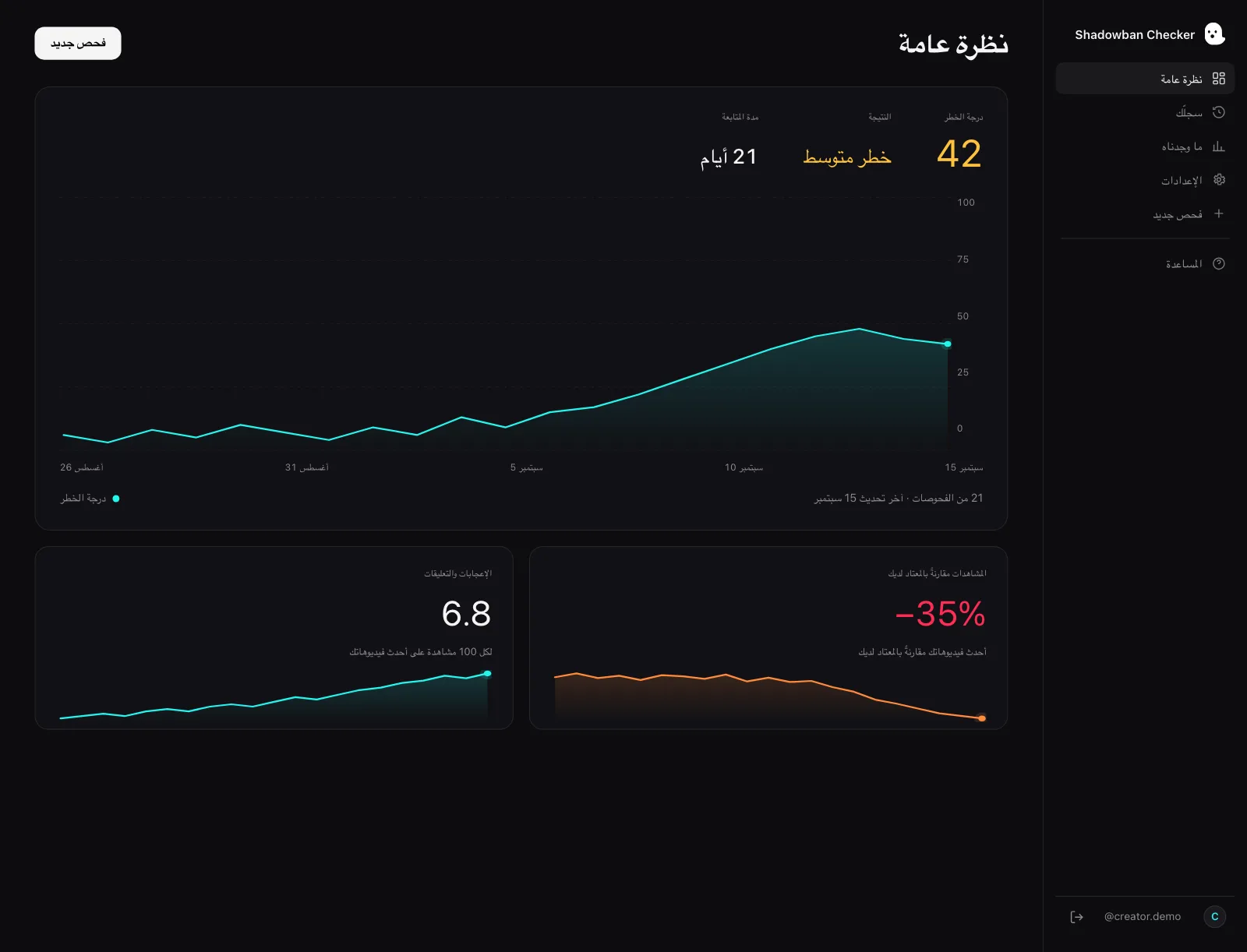
If you’re still not sure whether reach is genuinely limited or just fluctuating: Shadowban Checker is an independent, read-only TikTok reach-analytics tool for creators. It connects to your own account through TikTok’s official login and API and estimates whether your reach is being limited — an honest estimate, not an official TikTok status. A free visibility check gives you a 0–100 risk score and a plain-language read on your recent videos.
Questions, answered.
Is a shadowban the same as a ban on TikTok?
No. A ban removes access to your account; a “shadowban” only limits reach — your content stays up and everything else works. What people call a shadowban maps to For You feed ineligibility, where a video isn’t recommended. A ban is a separate action for repeated or severe violations, and TikTok says you’ll see a message in the app.
What’s the difference between a restriction and a shadowban?
A restriction limits a specific feature (commenting, going LIVE, posting links) and is recorded in your Account status. A “shadowban” limits reach — your video isn’t recommended on the For You feed — and TikTok says that shows up in your analytics rather than as a blocked button.
How do I know if I’m banned or just shadowbanned?
Try to use the app. If you can’t log in or you see a ban message, it’s a ban. If you can use everything but a feature is unavailable, it’s a restriction. If everything works but recent reach collapsed versus your baseline, check each video’s analytics for the For You eligibility warning.
Can a shadowban turn into a ban?
They’re driven differently. FYF ineligibility is about recommendations; bans come from TikTok’s enforcement for repeated or severe policy violations. Continuing to post content that breaks the rules can lead to strikes and escalating action — but an underperforming video by itself is not a step toward a ban.
Does TikTok tell you if you’re restricted or banned?
Yes. TikTok says that whenever it acts on your content it tells you what happened and why, your record is in Account status, and a banned account sees a message in the app. For FYF ineligibility, TikTok says the information appears in the analytics tool.
Sources
- TikTok Community Guidelines — Accounts and Features (accounts, LIVE, search, comments)
- TikTok Community Guidelines — For You feed Eligibility Standards
- TikTok Community Guidelines — Overview (content moderation)
- TikTok Community Guidelines — Enforcement (public interest exceptions, detection, notice and appeals)
- TikTok Creator Academy — Moderation and Appeals
- TikTok Newsroom — Supporting creators with an updated account enforcement system (February 2023)
- TikTok Creator Academy — Why is your video not getting recommended on the For You feed?
- TikTok Community Guidelines — Integrity and Authenticity
Statements about TikTok’s policies are drawn from these primary sources and quotes are verbatim. Where TikTok has no official statement, or where we describe our own heuristics, the text says so.
More on your reach.

Does TikTok Shadowban Exist? What TikTok Officially Says
TikTok never uses the word “shadowban.” But it does have an official mechanism that limits who sees your videos — For You feed ineligibility. Here’s what’s real, what’s a myth, and how to check.
How to Tell If Your TikTok Reach Is Limited: The Real Signals
There’s one signal TikTok actually gives you, and a handful of patterns worth watching. Here’s how to separate a real reach limit from normal ups and downs — without the myths.
How to Fix a TikTok Shadowban: What Actually Works
There is no official “unshadowban” button and no guaranteed timeline. Here is the reality-based way to recover your reach: check your account status, find and fix the underlying cause, appeal wrongful restrictions, and align with For You Feed standards.