TikTok Comment Shadowban: Are Your Comments Being Hidden?
TikTok has no documented “comment shadowban,” but it does give creators real tools to filter comments on their own videos, and it sorts some comments lower. Here’s how to tell the difference — and how to check if your comments actually show to other people.
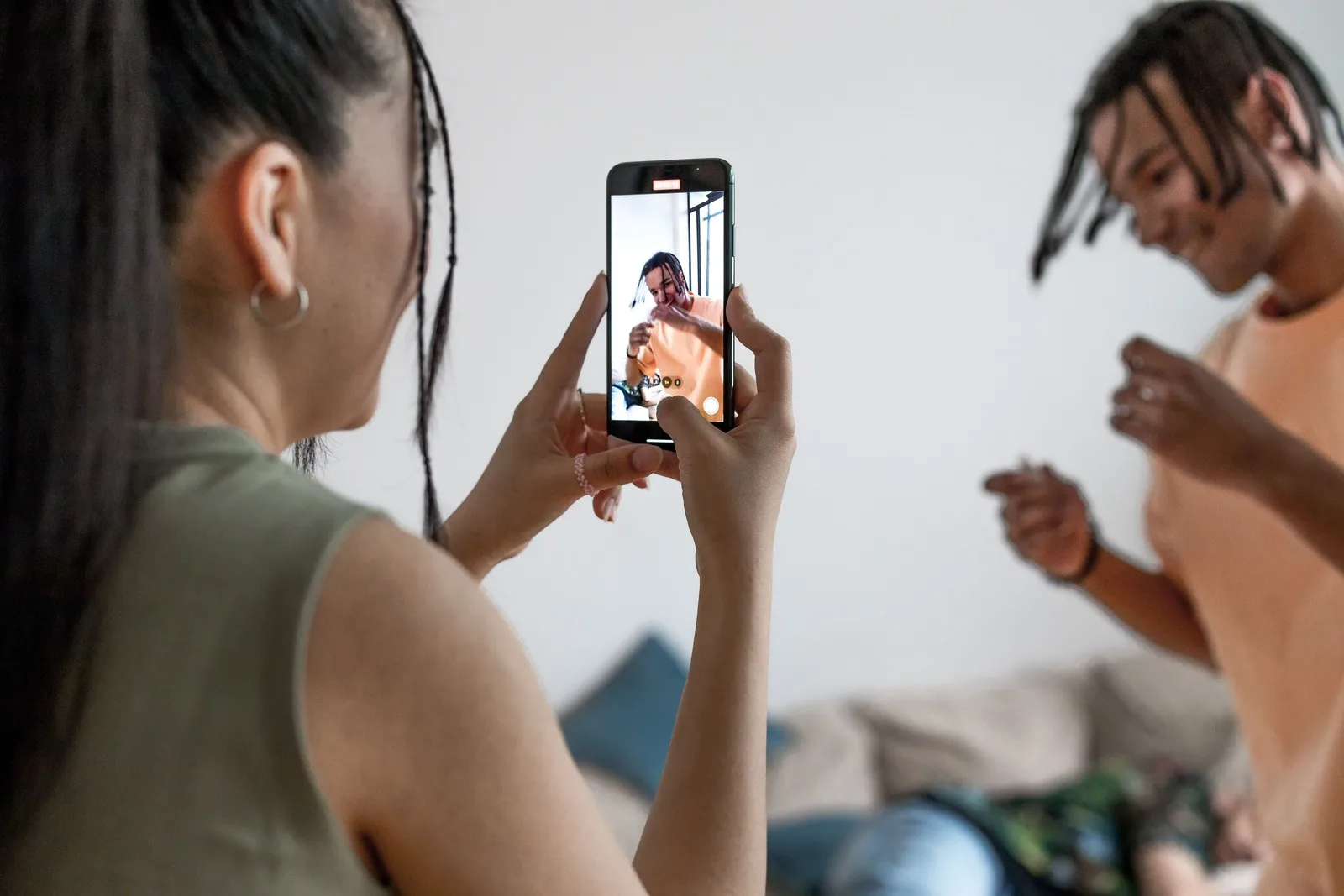
Does TikTok have a comment shadowban?
“Comment shadowban” is a creator phrase, not a TikTok one. We found no official TikTok material describing a feature that secretly hides your comments across the whole platform. No official TikTok source confirms a platform-wide comment shadowban.
What is real — and documented — mostly runs the other way. The creator who posted a video has tools to filter comments on their posts, and TikTok itself sorts and moderates comments. So the honest version of “my comment got hidden” is usually this: your comment was caught by that specific video’s comment settings, sorted low, or removed for breaking a rule — not silenced everywhere you go. It can be invisible under one creator’s video and completely normal under the next.
That distinction matters, because the fix is entirely different from a reach problem. If you’re worried your videos aren’t being recommended, that’s a separate mechanism — see does TikTok shadowban exist.
What does TikTok actually document about comments?
TikTok publishes comment-management tools aimed at the person who owns the video. Two are clearly described in its Newsroom:
- Keyword filters. A creator can build a custom list of keywords that are automatically blocked from the comments on their videos.
- Who can comment. TikTok says creators can “let anyone comment, restrict it to friends, or turn off comments completely.”
Once set, all comments with a keyword on your list will be removed from the videos you post, meaning they won't appear to you or anyone else.TikTok Newsroom — You’re in control of your comments
TikTok’s Community Guidelines add two platform-level mechanisms. First, comment sorting:
Comments are sorted based on multiple aspects, including your past replies, likes, and reports.TikTok Community Guidelines — Accounts and Features
TikTok says comments “may be sorted lower if they don’t add to the conversation.” The examples it lists are spam (“Random text, irrelevant promotions, or links”), profanity that’s non-neutral or targets others, and offensive statements. Second, removal and restriction: if a comment breaks the rules, TikTok removes it, and if someone keeps breaking the rules, TikTok says it “may limit or remove their ability to comment.”
One more control is widely discussed but harder to verify from a single official page: an approval-style setting that holds comments until the creator approves them. We couldn’t confirm its current availability on a TikTok page, so treat it as something that may exist on the post you commented on, not a guarantee.
How do you check if your comments are visible?
You don’t have to speculate — comment visibility is directly testable. TikTok doesn’t document exactly how a filtered or low-sorted comment looks to the person who wrote it, so checking only from your own account proves little. You need an outside viewpoint:
- Check logged out. Open the same video in a browser without logging in (or in a private/incognito window). Find the comment — remember to scroll, since sorting can push it down.
- Check from a second account. View the video on a different account — a friend’s phone works — and look for your comment. If they can see it, it isn’t hidden.
- Compare across creators. Post a normal comment on a few unrelated videos and check each from the outside. If it shows on most but disappears on one creator’s posts, that points at that creator’s filter, not a restriction on you.
- Read your Account status. If commenting is restricted account-wide, that’s an enforcement action TikTok records — not folklore.
If the comment is visible to a logged-out viewer and to a second account, it is not hidden. Keep the test simple and don’t over-read a single missing comment; comment sections are busy and sorted differently for different people.
Is comment filtering the same as reach suppression?
No — and bundling the two under one word causes most of the confusion. Comment filtering and For You feed (FYF) reach limits are different systems with different owners and different fixes.
| Comment being hidden | Video reach limited (“shadowban”) | |
|---|---|---|
| What’s affected | One comment on one video | How widely your videos are recommended |
| Who controls it | The video’s creator + TikTok’s sorting and moderation | TikTok’s recommendation system (FYF eligibility) |
| Real mechanism | Keyword filters, comment controls, sorting, removal | For You feed ineligibility |
| How to confirm | View logged out / from another account | Video analytics + baseline reach comparison |
If your real concern is that your own videos stopped reaching people, don’t diagnose it through comments at all. Look at whether recent posts dropped sharply against your own baseline — the method is in how to tell if your TikTok reach is limited. And remember TikTok’s own caution: a video without many views “doesn’t necessarily mean it broke a rule.”
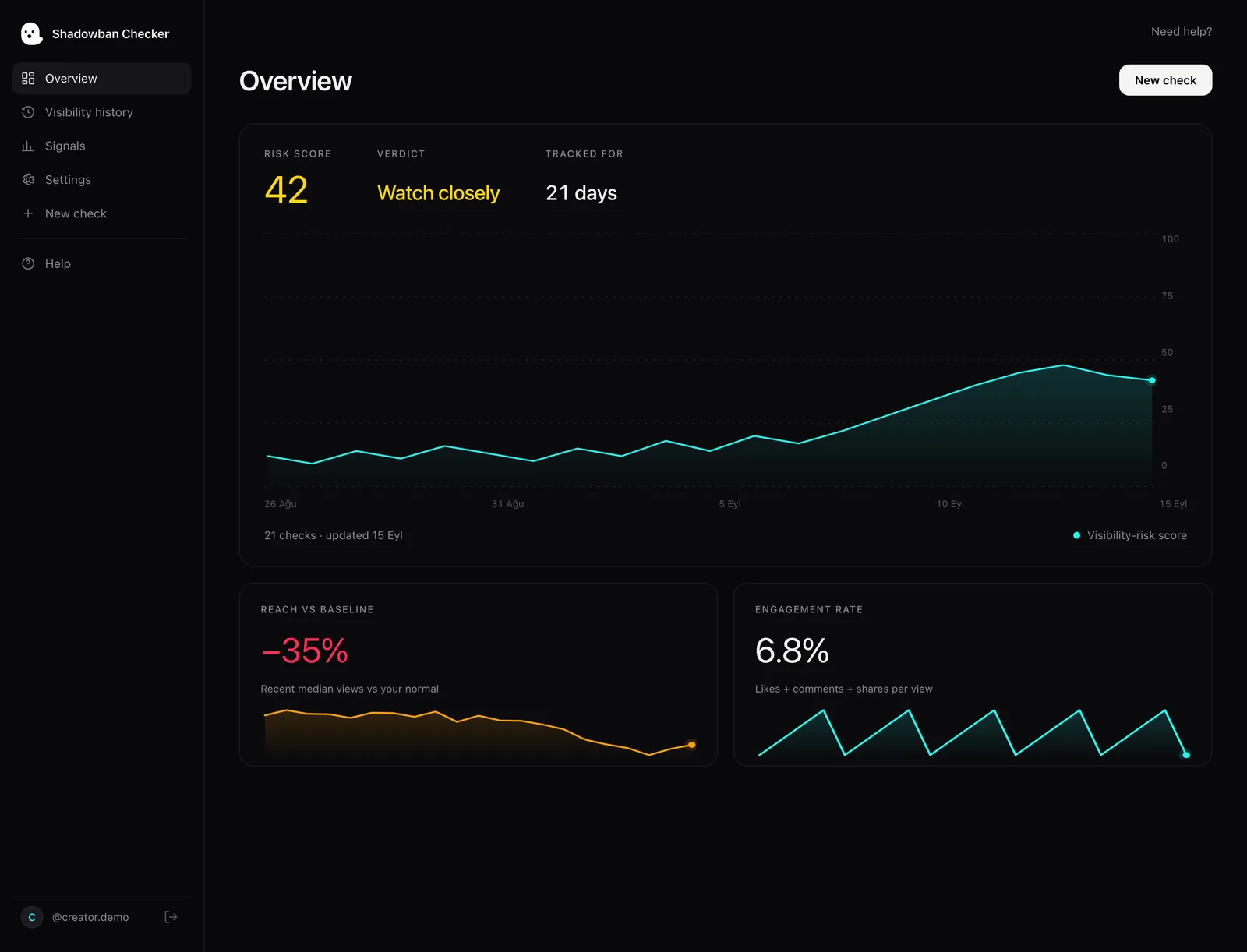
For an honest read on your recent videos instead of guesswork: Shadowban Checker is an independent, read-only TikTok reach-analytics tool for creators. It connects to your own account through TikTok’s official login and API and estimates whether your reach is being limited — an honest estimate, not an official TikTok status. A free visibility check returns a 0–100 risk score and a plain-language read.
Questions, answered.
Does TikTok have a “comment shadowban”?
No official TikTok source confirms a feature that secretly hides your comments across the whole platform. What exists is local: creators can filter comments by keyword or limit who can comment, and TikTok sorts some comments lower and removes rule-breaking ones. A hidden comment is usually local to one video.
Why can I see my comment but no one else can?
TikTok doesn’t document exactly how a filtered or low-sorted comment appears to its author, so seeing it from your own account proves little. Check the video logged out or from a second account. If it shows there, it’s public; if not, it was likely caught by that video’s keyword filter or comment settings, or removed.
Can a creator hide my comment on their video?
Yes. TikTok says creators can set a custom keyword list, and comments with those keywords “won't appear to you or anyone else,” and they can let anyone comment, restrict comments to friends, or turn them off. So your comment can be hidden under one creator’s post while appearing normally elsewhere.
Is my whole account blocked from commenting?
If someone keeps breaking the rules, TikTok says it may limit or remove their ability to comment. That’s an enforcement action TikTok records in your Account status, not a hidden one. Our guide on checking your TikTok account status walks through it.
Are hidden comments the same as my videos being shadowbanned?
No. A hidden comment affects one comment on one video and is controlled by that creator’s settings or TikTok’s comment sorting and moderation. Video reach is a separate system — For You feed eligibility. To check your videos, compare recent reach to your baseline as described in how to tell if your reach is limited.
More on your reach.
TikTok Shadowban Checker: How They Actually Work
Most “shadowban checkers” just guess from your username. Here’s how they actually work, what they can and can’t tell you, and how analyzing your own video data gives an honest reach estimate — not an official status TikTok never issues.
Is There a TikTok Shop Shadowban? How to Check Your Shop Videos
TikTok has no feature called a “TikTok Shop shadowban.” Here’s what it does document, the For You feed ineligibility that can hit Shop videos, and how to tell a real limit from a normal dip.
How to Tell If Your TikTok Reach Is Limited: The Real Signals
There’s one signal TikTok actually gives you, and a handful of patterns worth watching. Here’s how to separate a real reach limit from normal ups and downs — without the myths.
Sources
- TikTok Newsroom — You’re in control of your comments
- TikTok Community Guidelines — Accounts and Features (accounts, LIVE, search, comments)
- TikTok Creator Academy — Moderation and Appeals
- TikTok Community Guidelines — For You feed Eligibility Standards
- TikTok Community Guidelines — Overview (content moderation)
Statements about TikTok’s policies are drawn from these primary sources and quotes are verbatim. Where TikTok has no official statement, or where we describe our own heuristics, the text says so.