Does the TikTok Paid Partnership Label Hurt Your Reach?
Many creators leave the “Paid partnership” toggle off because they think it kills reach. TikTok says the opposite: the label doesn’t change recommendations — skipping it is what can cost you the For You feed.
Does the Paid partnership label reduce TikTok reach?
It’s one of the most repeated beliefs among creators doing brand deals: turn on the “Paid partnership” label and TikTok quietly buries the video. The fear makes sense — sponsored posts sometimes do underperform, and a visible label is an easy thing to blame.
But on this question, TikTok has actually published an answer, and it’s unusually direct. According to TikTok’s own help documentation, the disclosure label does not change how TikTok recommends your video. What TikTok does penalise is the opposite behaviour: posting commercial content without disclosing it. In other words, the label isn’t a “shadowban” — hiding a paid deal is what puts your For You feed reach at risk.
What does TikTok officially say about disclosure and reach?
TikTok’s Business Help Center article for creators on the commercial content disclosure setting has a section titled “Impact on performance.” It says:
Turning on the content disclosure setting and labelling your post as a Paid partnership will not affect the way TikTok recommends content to users.TikTok Business Help Center — About the Commercial Content Disclosure setting for creators
The same page adds that TikTok ran an internal study comparing nearly 2 million videos with and without proper branded content disclosure and found no performance difference. It cites the study as “2023 TikTok Marketing Science: Tested in ID and PK.” That’s worth reading with care: it is TikTok’s own study, the full data isn’t published on the page, and it names only two test markets. We can’t verify it independently — but it is the only official TikTok statement on this question we could find, and it points clearly in one direction.
Two things TikTok does not publish: any figure for how much reach an individual sponsored post should get, and any claim that labelled posts are boosted. The documented position is simply “no effect on recommendations.” Anyone promising more than that is guessing.
What happens if you don’t disclose branded content?
Here is where the real reach risk lives. TikTok’s Community Guidelines, in the “Commercial Disclosure and Paid Marketing” section, say:
If we find commercial content that hasn’t been properly disclosed, we may reduce its visibility or apply the content disclosure setting. Repeated failure to make a disclosure can lead to your account being temporarily restricted from posting content, or can lead to an account ban.TikTok Community Guidelines — Regulated Goods, Services, and Commercial Activities
The Business Help Center describes the For You feed consequence more specifically:
If commercial content isn't properly disclosed, the video may not be eligible for distribution in the For You feed and will impact organic performance.TikTok Business Help Center — About the Commercial Content Disclosure setting for creators
According to that page, the process works like this:
- You get a notification if TikTok’s systems think your video contains branded content without proper disclosure.
- You have 24 hours to respond before the video becomes ineligible for the For You feed.
- You can either turn on the disclosure, or appeal if the video isn’t branded content. Only the original poster can appeal, through the in-app notification.
- TikTok says that for successful appeals, videos “resume eligibility for organic distribution in the For You feed.”
This is the documented version of what creators call a shadowban: For You feed (FYF) ineligibility, the mechanism TikTok uses to stop recommending specific content in the For You feed. For how FYF eligibility works in general, see the For You feed eligibility standards, and for why TikTok never calls it a “shadowban,” read does TikTok shadowban exist?
When do you have to turn on the disclosure setting?
TikTok’s Branded Content Policy defines branded content as content that “promotes or reviews a third-party brand or its products or services in exchange for payment or any other incentive,” and says: “When posting Branded Content, you must enable the commercial content disclosure toggle.” The policy’s examples go further than a straight paid post. Branded content includes content featuring:
- A product or service gifted to you by or on behalf of a brand.
- A brand, product or service you were paid to post about, in money or a gift.
- A product or service you earn a commission on, for example through an affiliate link or promo code.
- A brand you have or have had a commercial relationship with, such as being a brand ambassador.
The Community Guidelines also require disclosure when you promote your own business, product or service. TikTok’s help page says the setting adds a “Commercial content” label, which displays as “Paid partnership” when you’re promoting a third party.
TikTok’s creator disclosure article also explains how its systems decide something looks commercial: financial incentives (promo codes, URLs, collaboration mentions), brand mentions (a #brand hashtag, an @brand tag, a visible logo) and product recommendations (demos, “buy now” calls to action). If your video has those signals and no disclosure, it may be flagged. One more point: disclosure rules sit alongside legal ones. TikTok’s help page notes that in the United States, the FTC’s Endorsement Guides set legal disclosure requirements, and the Branded Content Policy says you are responsible for complying with applicable laws.
Which paid-partnership myths are wrong?
| Myth | What TikTok’s documentation says |
|---|---|
| “The Paid partnership label shadowbans your video.” | TikTok says labelling a post as a Paid partnership “will not affect the way TikTok recommends content to users.” |
| “Leaving the toggle off protects your reach.” | Undisclosed commercial content may be made ineligible for the For You feed, and repeated failures can lead to posting restrictions or a ban. |
| “Gifted products don’t count.” | The Branded Content Policy lists products gifted by a brand as branded content. |
| “Affiliate links aren’t a brand deal.” | Content where you earn a commission, for example via an affiliate link or promo code, is listed as branded content. |
| “#ad in the caption is enough.” | TikTok’s rules require the content disclosure setting itself and don’t mention a caption tag as an alternative. |
Why might a sponsored post still get fewer views?
If the label doesn’t reduce reach, why do some brand deals flop? TikTok doesn’t publish an answer to that, so what follows is partly documented and partly our own reasoning. We’ve labelled which is which.
- Restricted product categories (documented). The Branded Content Policy says branded content in restricted industries, such as alcohol, dating apps, energy drinks or financial services, “will only be shown in the market it was posted in and may be age restricted.” That limits your potential audience because of what you’re promoting, not because of the label.
- Prohibited products (documented). Branded content for prohibited industries, such as weight-loss products, nicotine or many health products, isn’t allowed. TikTok says non-compliant branded content may be removed or face “other restrictions.”
- Viewer response (our interpretation). TikTok’s recommendation system responds to how viewers engage with a video. A script that feels like an ad may simply hold attention less well than your usual content. That’s a content problem, not a penalty. TikTok publishes no data on this specific effect.
- Normal variance (our interpretation). One sponsored post underperforming your average isn’t evidence of anything on its own. Compare it to your baseline over several posts before drawing conclusions. Why your TikTok views dropped covers the usual causes.
How do you disclose correctly and check your reach?
Based on TikTok’s help page (last updated January 2026), menu names may vary slightly by app version:
- On the post screen, tap Content disclosure and ads. If you’re not part of TikTok One, it sits under More options.
- Turn on Disclose commercial content.
- Choose Your brand or Branded content. For branded content, you can tag the brand partner under Brand partnership.
- Save, confirm and post.
Forgot the toggle on a video that’s already live? TikTok’s help page says you can switch it on from the post itself: More options → Ad settings → Disclose commercial content. Deals run through TikTok One turn on the disclosure automatically. The toggle is also available in LIVE settings and when uploading on the web.
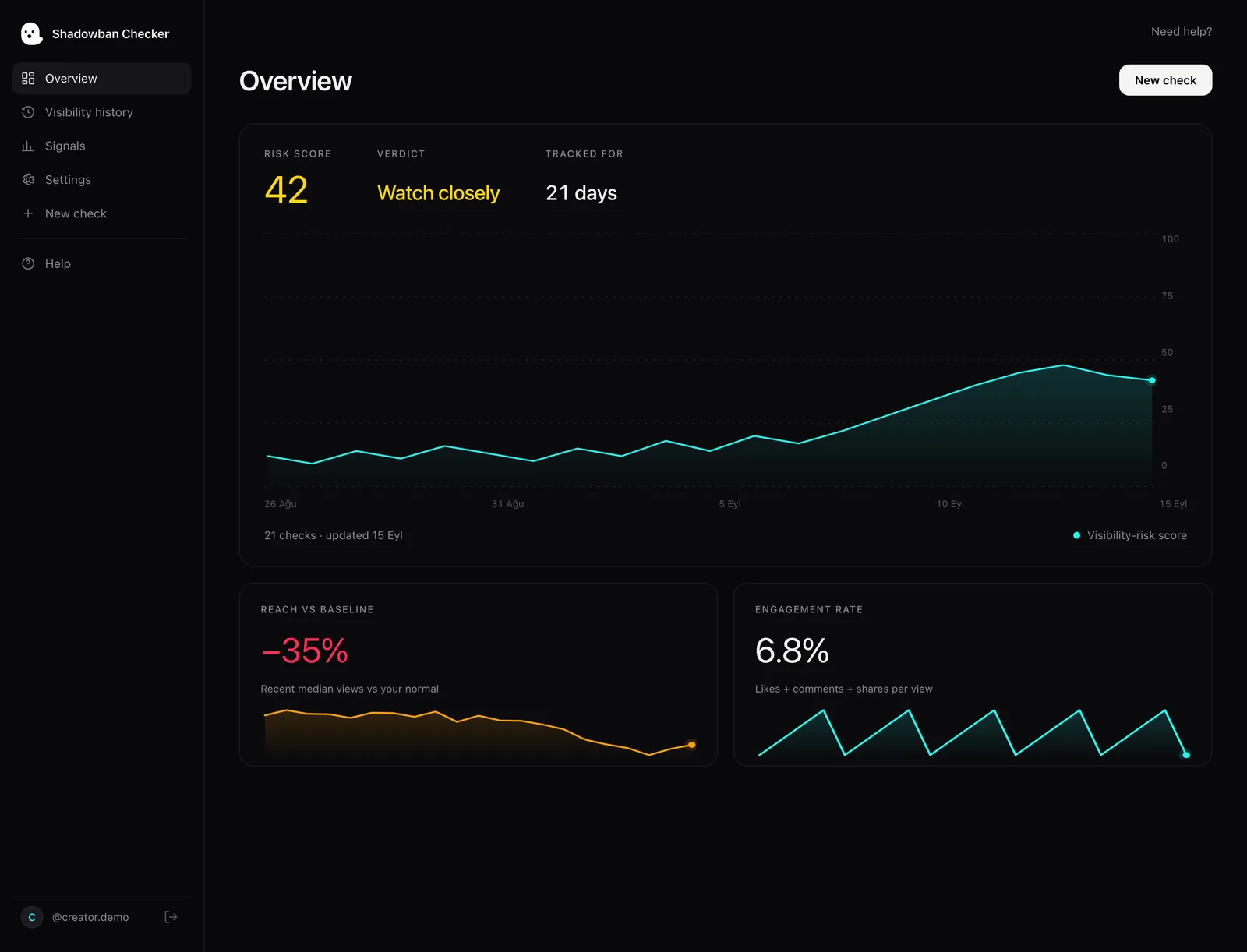
Afterwards, check each video’s analytics. TikTok says a video that isn’t eligible for recommendation shows this in its analytics. If you got a suspected-branded-content notification, act within the 24-hour window. For appealing a moderation decision more broadly, see how to appeal a TikTok video removal. And if you want to see whether your sponsored posts reach people the way your organic ones do: Shadowban Checker is an independent, read-only TikTok reach-analytics tool for creators. It connects to your own account through TikTok’s official login and API and estimates whether your reach is being limited — an honest estimate, not an official TikTok status. Run a free visibility check to compare recent reach against your own baseline.
Questions, answered.
Does the Paid partnership label reduce views on TikTok?
No, according to TikTok. Its Business Help Center says turning on the content disclosure setting and labelling a post as a Paid partnership “will not affect the way TikTok recommends content to users.” TikTok cites its own internal study of nearly 2 million videos that found no performance difference.
What happens if I don’t disclose a brand deal on TikTok?
TikTok says undisclosed commercial content may have its visibility reduced or the disclosure applied for you, and may become ineligible for the For You feed. You get a notification and 24 hours to respond. Repeated failures can lead to temporary posting restrictions or an account ban.
Do I need to disclose gifted products or affiliate links?
Yes. TikTok’s Branded Content Policy lists products gifted by a brand and content where you earn a commission, such as through an affiliate link or promo code, as branded content. Branded content requires the commercial content disclosure toggle.
Is #ad in the caption enough on TikTok?
Not under TikTok’s rules. Its Community Guidelines and Branded Content Policy require you to use the content disclosure setting and don’t mention a caption tag as an alternative. Local advertising laws may add their own requirements on top of TikTok’s.
Can I add the Paid partnership label after posting?
Yes. TikTok’s help page says you can open the post, tap More options, go to Ad settings and turn on Disclose commercial content. If you received a suspected-branded-content notification, TikTok gives you 24 hours to respond before the video becomes ineligible for the For You feed.
Why did my sponsored TikTok get fewer views than usual?
TikTok says the label itself isn’t the cause. Documented factors include restricted categories, which may be limited to the market where you posted and age restricted. Beyond that, how viewers respond to the video and normal variance are likely explanations, though TikTok publishes no data on those. Compare against your baseline with a visibility check.
Sources
- TikTok Business Help Center — About the Commercial Content Disclosure setting for creators
- TikTok Community Guidelines — Regulated Goods, Services, and Commercial Activities (Commercial Disclosure and Paid Marketing)
- TikTok — Branded Content Policy
- TikTok Business Help Center — How to turn on the Commercial Content Disclosure setting in TikTok
- TikTok Community Guidelines — For You feed Eligibility Standards
- TikTok Creator Academy — Why is your video not getting recommended on the For You feed?
- TikTok Creator Academy — Moderation and Appeals
Statements about TikTok’s policies are drawn from these primary sources and quotes are verbatim. Where TikTok has no official statement, or where we describe our own heuristics, the text says so.
More on your reach.
TikTok Creator Rewards Not Eligible? How Reach Limits Hit Earnings
TikTok says content that isn’t eligible for the For You feed isn’t eligible for the Creator Rewards Program. Here’s how qualified views work, how reach limits cut earnings, and what TikTok doesn’t publish.

TikTok For You Feed Eligibility Standards, Explained
The For You feed is where reach is won or lost — and TikTok publishes what keeps content out of it. A plain-English tour of the eligibility standards, straight from the source.

How the TikTok Algorithm Decides Your Reach (For You Feed, Explained)
A source-backed, no-hype explanation of how TikTok recommends content to the For You feed, which signals it names, why reach naturally varies per video, and how eligibility gates the whole system.