TikTok Shop Video “Not Eligible for Recommendation”: What It Means and How to Appeal
If a Shop video shows “not eligible for recommendation,” TikTok has made it ineligible for the For You feed. Here’s what TikTok documents about that status, common commercial-content reasons, and how to appeal.
What does “not eligible for recommendation” mean on a Shop video?
When a TikTok Shop video is not eligible for recommendation, TikTok has decided it won’t recommend that video in the For You feed (FYF). It is not a removal. TikTok’s For You feed Eligibility Standards say:
Even if a video doesn’t make it to the FYF, people may still find it through search or by going to a creator's account.TikTok Community Guidelines — For You feed Eligibility Standards
This is the documented mechanism behind most “shadowban” complaints. TikTok never uses that word. For how FYF eligibility works in general, see TikTok For You feed eligibility standards, explained. This post covers the TikTok Shop angle.
Being ineligible can matter beyond views. TikTok lists TikTok Shop among its monetization features and says: “Content that isn’t eligible for the FYF may also be restricted from monetization.” TikTok doesn’t spell out exactly how that applies to a single Shop video, so check Seller Center for any related notice.
Where do you see the status?
TikTok says it tells you when it limits content. According to its Creator Academy, you can check in three places:
- Analytics: if a video isn’t eligible for the For You feed, a warning bar appears at the top of the Performance tab.
- Inbox: consequences appear in Account Updates.
- Account Status: your full record.
Tap the notification for more detail on the decision. If you don’t see a warning, the video probably isn’t ineligible, and low views have another cause. Why TikTok Shop videos aren’t getting views covers the alternatives.
Why might a TikTok Shop video be ineligible?
TikTok’s notice should name the reason. These are documented reasons that often fit commercial content:
- Commercial content without disclosure. TikTok requires the content disclosure setting when you promote your own business or product, and for branded content where you get an incentive. Its guidelines say that if it finds undisclosed commercial content, it “may apply the content disclosure setting ourselves or remove it from the FYF.” TikTok’s disclosure help page describes a notification and a 24-hour window to respond before the video becomes ineligible.
- Unoriginal or reused material. TikTok says content is ineligible for the FYF “if it includes unoriginal or reused material without anything new.” Reposted supplier clips are a common fit.
- Manipulation. TikTok says content that tries to manipulate people into “inflating likes or follows isn’t eligible for the FYF.”
- Other FYF-ineligible themes. Products shown alongside risky activities or mature content can fall under other “FYF Ineligible” sections of the Community Guidelines.
TikTok Shop also has its own content and product policies in Seller Center and TikTok Shop Academy. Those can lead to separate actions on the product link or your shop. We don’t list their specifics here because they change often. Check the current versions directly.
How do you appeal a Shop video that isn’t eligible for recommendation?
TikTok’s Community Guidelines say that if content was “made ineligible for the FYF, or otherwise restricted, and you believe this was an error, you may appeal the decision.” Based on TikTok’s Creator Academy:
- Open the moderation notification in your Inbox, or the warning in the video’s analytics.
- Tap Appeal in the upper right corner of the moderation result notification page.
- Submit your request. TikTok says a member of its safety team will review the content again against the Community Guidelines and notify you of the outcome.
- Track the appeal in the in-app Safety Center.
If your appeal is successful, we'll restore your content and remove the penalty from your account.TikTok Creator Academy — Moderation and Appeals
For a disclosure notice specifically, TikTok’s help page says you can turn on the disclosure, or appeal if the video isn’t branded content. It says successful appeals resume For You feed eligibility. TikTok publishes no fixed review time for FYF appeals, so any number you see online is unverified. More detail in how to appeal a TikTok video removal.
Which myths about this status are wrong?
| Myth | What TikTok documents |
|---|---|
| “The video was deleted.” | It stays up. People may still find it through search or your account. |
| “It’s a secret shadowban you can’t see.” | TikTok says ineligibility appears in analytics, with a warning bar in the Performance tab. |
| “Product links make videos ineligible.” | TikTok lists no such rule. Product-linked videos get an additional review before the link appears. |
| “Appealing makes things worse.” | TikTok says a successful appeal won’t affect your account going forward, and encourages appeals of decisions made in error. |
| “It lifts automatically after a set number of days.” | TikTok publishes no timer for FYF ineligibility. |
How do you keep future Shop videos eligible?
- Turn on the content disclosure setting for videos that promote your own products or earn a commission. TikTok says the label itself won’t change how it recommends content. See does the Paid partnership label hurt reach?
- Film your own footage, or add something genuinely new to supplier clips.
- Don’t buy views, likes or reviews, and don’t use engagement bait.
- Check captions before posting with the caption checker.
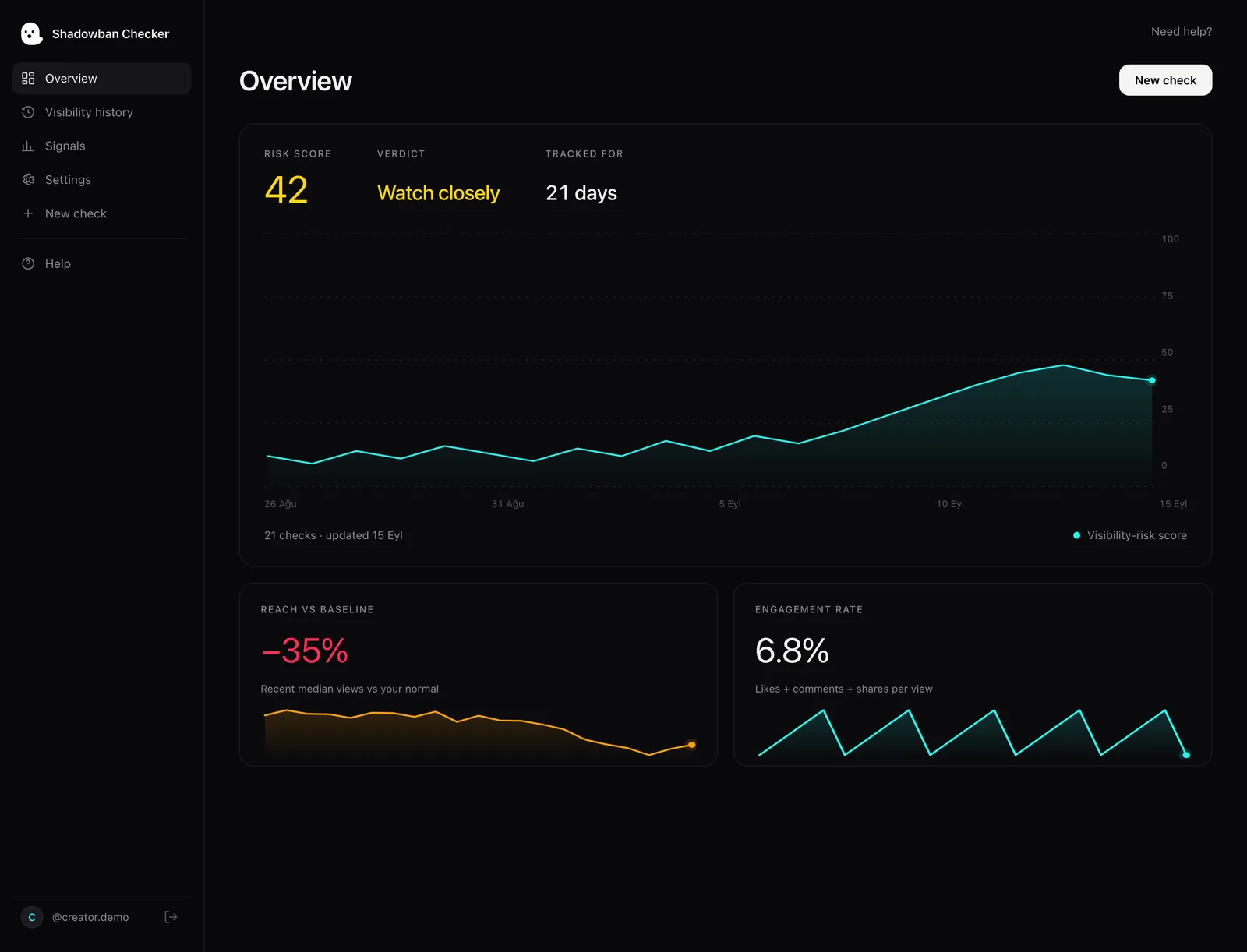
- Watch your reach over time. Shadowban Checker is an independent, read-only TikTok reach-analytics tool for creators. It connects to your own account through TikTok’s official login and API and estimates whether your reach is being limited — an honest estimate, not an official TikTok status. A free visibility check or the reach drop checker shows whether a dip is unusual for you.
More for sellers on the TikTok Shop sellers page. Not sure whether you’re limited at all? Read is there a TikTok Shop shadowban? or the TikTok shadowban guide.
Questions, answered.
What does “not eligible for recommendation” mean on TikTok Shop?
It means TikTok won’t recommend that Shop video in the For You feed. The video isn’t removed, and TikTok says people may still find it through search or by visiting your account. The status appears in the video’s analytics as a warning bar in the Performance tab.
Can I still sell from a video that isn’t eligible for recommendation?
The video stays up, so viewers who find it through search or your profile can still see it. TikTok also says content that isn’t eligible for the For You feed may be restricted from monetization, which includes TikTok Shop. Check Seller Center for any related notice.
How do I appeal a TikTok Shop video not eligible for recommendation?
Open the moderation notification, tap Appeal in the upper right corner and submit your request. TikTok says its safety team reviews the content again and notifies you of the outcome. You can track the appeal in the in-app Safety Center.
How long does a TikTok appeal take?
TikTok publishes no fixed review time for appeals of For You feed ineligibility. You can track the status in the in-app Safety Center, and TikTok says it will notify you of the outcome. Any specific number of days you see online is not an official TikTok figure.
Why is my TikTok Shop video not eligible for the For You feed?
The notice should name the reason. Common documented reasons for commercial content include missing commercial disclosure and unoriginal or reused footage. Other For You feed-ineligible themes in the Community Guidelines can also apply. If you believe it’s a mistake, you may appeal.
Sources
- TikTok Community Guidelines — For You feed Eligibility Standards
- TikTok Creator Academy — Moderation and Appeals
- TikTok Community Guidelines — Enforcement (public interest exceptions, detection, notice and appeals)
- TikTok Community Guidelines — Accounts and Features (accounts, LIVE, search, comments)
- TikTok Community Guidelines — Regulated Goods, Services, and Commercial Activities (Commercial Disclosure and Paid Marketing)
- TikTok Business Help Center — About the Commercial Content Disclosure setting for creators
- TikTok Community Guidelines — Integrity and Authenticity
- TikTok Creator Academy — Why is your video not getting recommended on the For You feed?
- TikTok Business Help Center — How to add product links to TikTok videos
Statements about TikTok’s policies are drawn from these primary sources and quotes are verbatim. Where TikTok has no official statement, or where we describe our own heuristics, the text says so.
More on your reach.

TikTok For You Feed Eligibility Standards, Explained
The For You feed is where reach is won or lost — and TikTok publishes what keeps content out of it. A plain-English tour of the eligibility standards, straight from the source.
TikTok Creator Rewards Not Eligible? How Reach Limits Hit Earnings
TikTok says content that isn’t eligible for the For You feed isn’t eligible for the Creator Rewards Program. Here’s how qualified views work, how reach limits cut earnings, and what TikTok doesn’t publish.
Does the TikTok Paid Partnership Label Hurt Your Reach?
Many creators leave the “Paid partnership” toggle off because they think it kills reach. TikTok says the opposite: the label doesn’t change recommendations — skipping it is what can cost you the For You feed.